
SketchUp is a popular 3D modeling software widely used by architects, designers, and engineers. It is known for its intuitive interface, ease of use, and versatility. However, SketchUp users probably often look for an equally handy rendering tool to work with it.
SketchUp lacks support for advanced lighting and material effects, making it difficult to create realistic visuals in SketchUp. It can be a drawback for architects and designers looking to showcase their designs to clients or colleagues.
While third-party plugins can produce high-quality renders, they can be expensive and require a significant amount of time and expertise to use effectively.
Therefore, we want to offer a time-and-energy efficient visualization solution for architects and designers: real-time ray-tracing rendering, which underlies rendering programs like D5 Render.
Here’s an ultimate guide for you to grasp real-time rendering for SketchUp in a very short time.
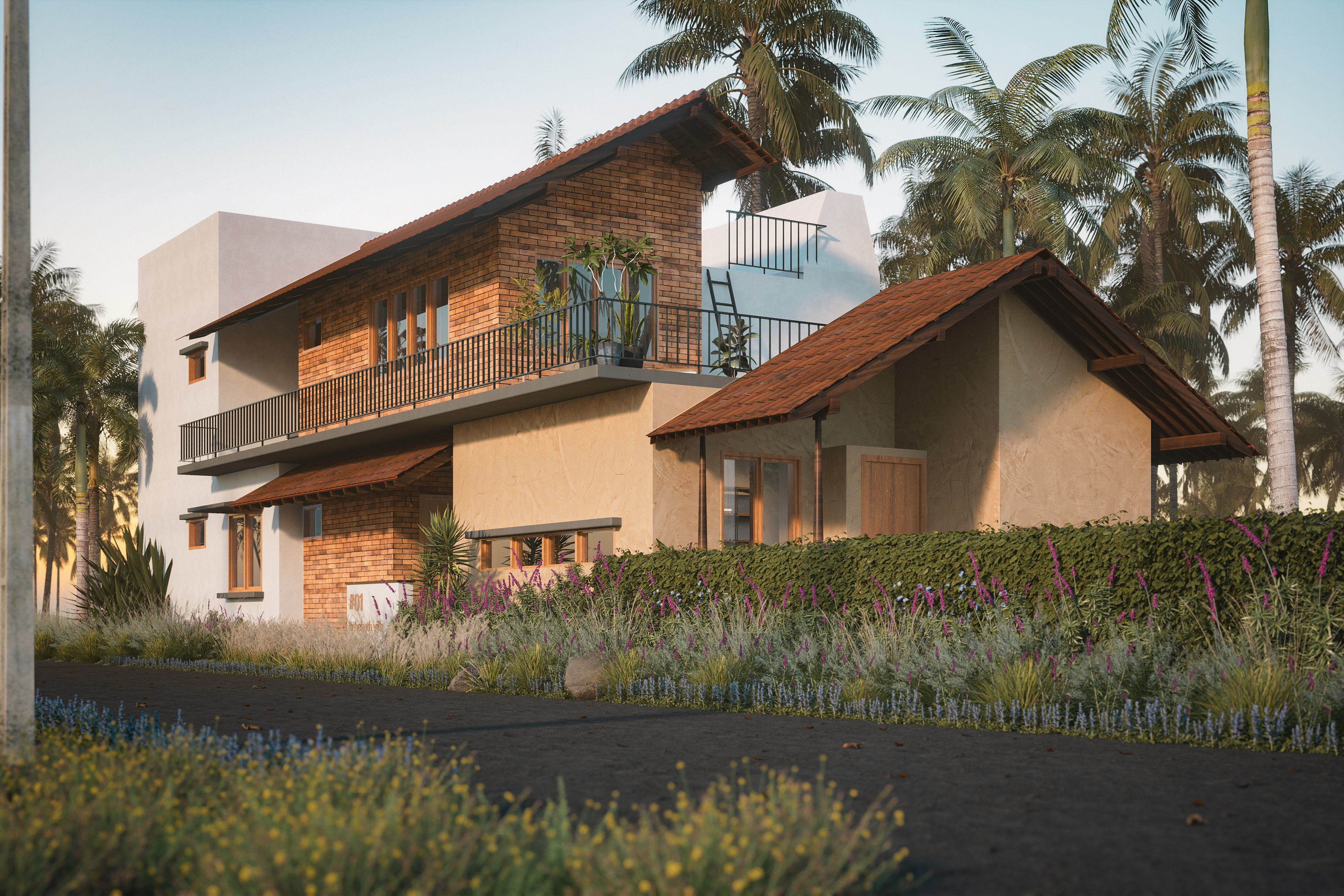

The Best Free Realtime Rendering Tool
- Free live-sync plugin D5 Converter for SketchUp to sync models, materials and lights to D5 en tiempo real
- Built-in D5 Asset Library with over 16,000 models and materials
- Smooth modeling operation in SketchUp with no lagging
Fast and Free Animation Output
- How to make a cinematic animation
- How to make full use of keyframe: opening/closing door, rotating ferris wheel/clock hand
- Dynamic assets to work with animation
Material
- Free out-of-the-box PBR materials
- How to render glass materials
- How to render subsurface scattering materials
- How to render water materials
- How to render emissive materials
Iluminación
- Advanced real-time Global Illumination close to offline renderers
- Geographic Sky
- HDRI
- Precise Emissive lighting
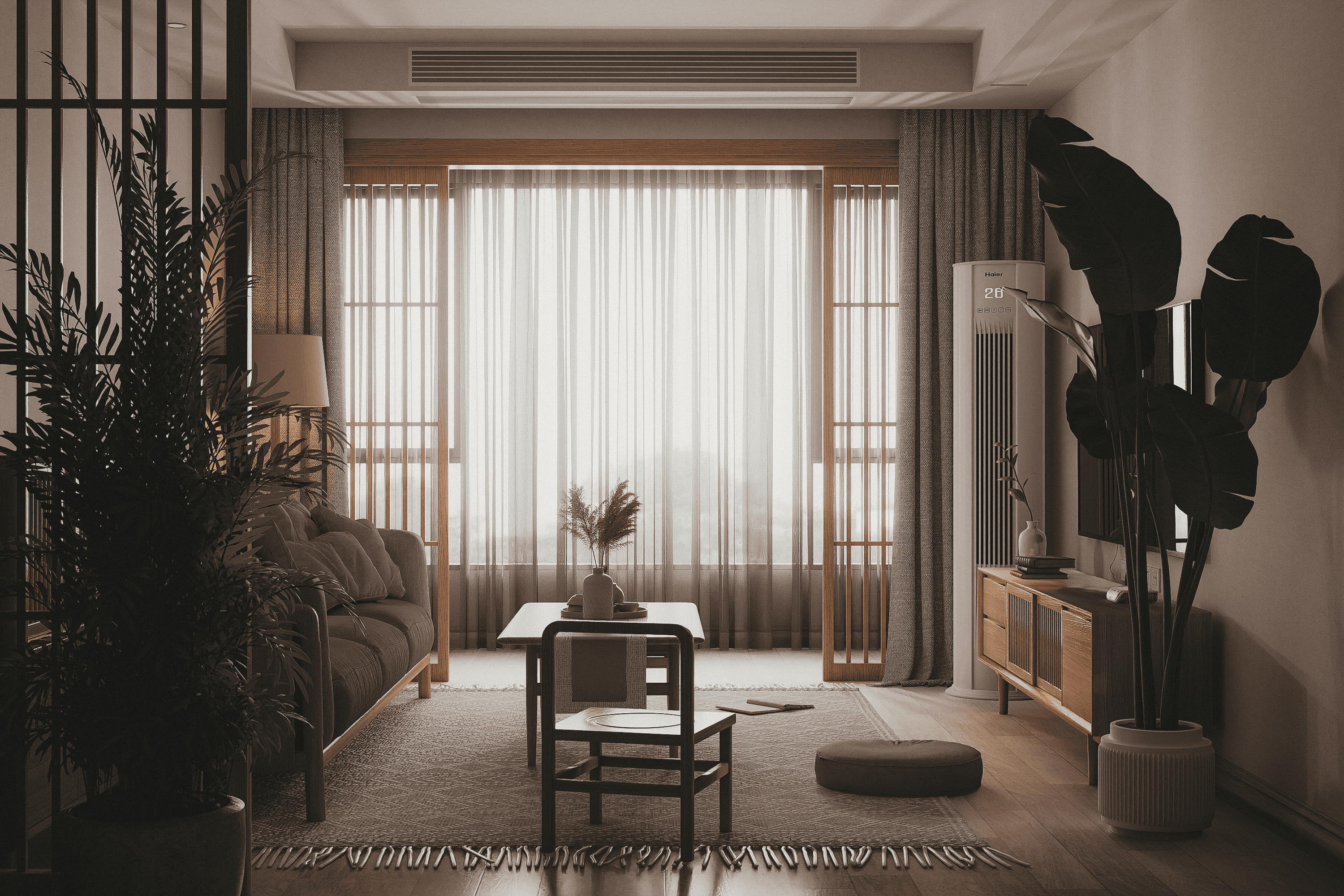
Interior Design and Rendering
- SketchUp interior rendering tips: curtain, blue flame, scratches and more
- High-quality PBR materials and dynamic models & particles
Architectural Design and Visualization
Time-saving Asset Tools
- One-click hedge filling tool
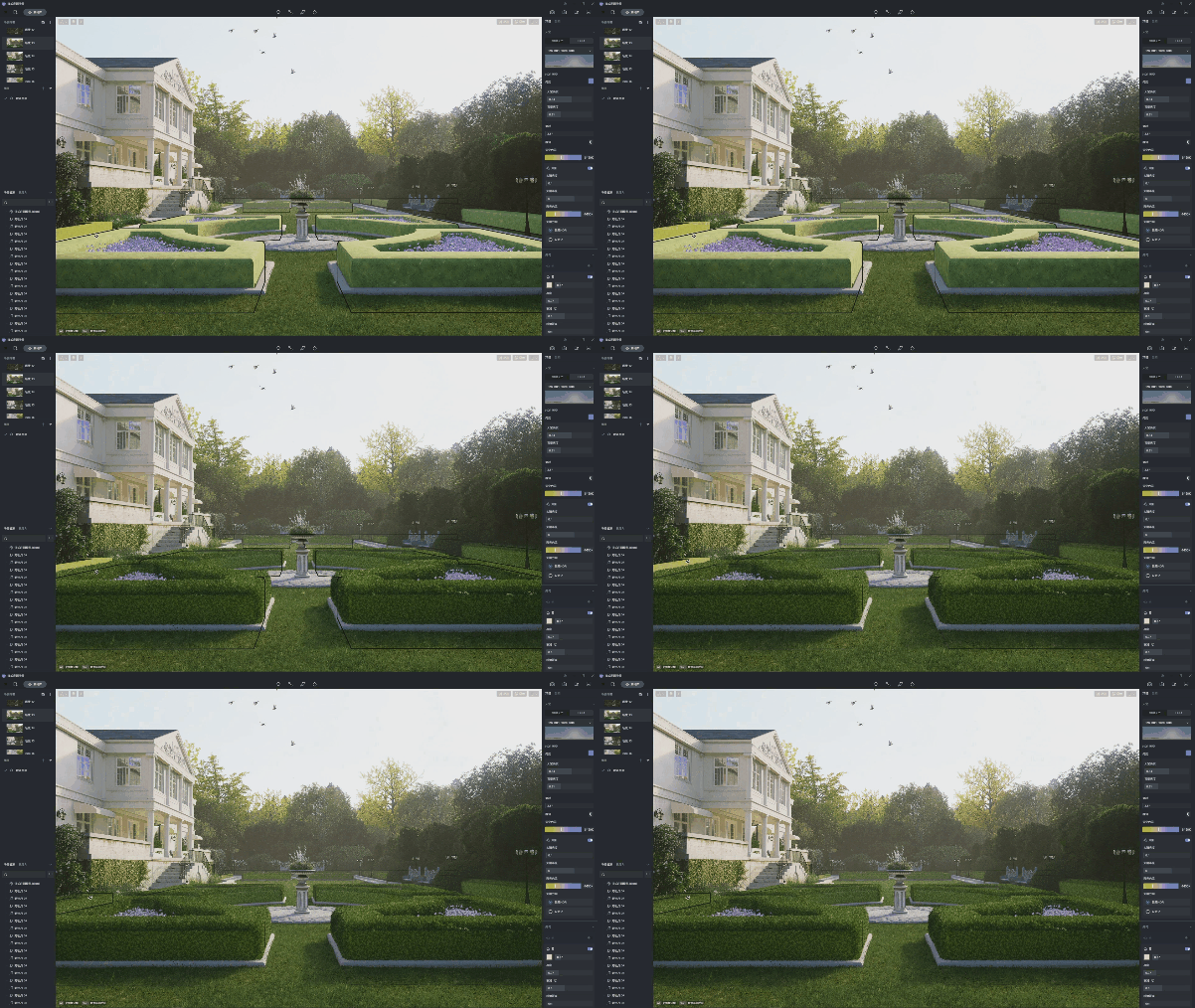
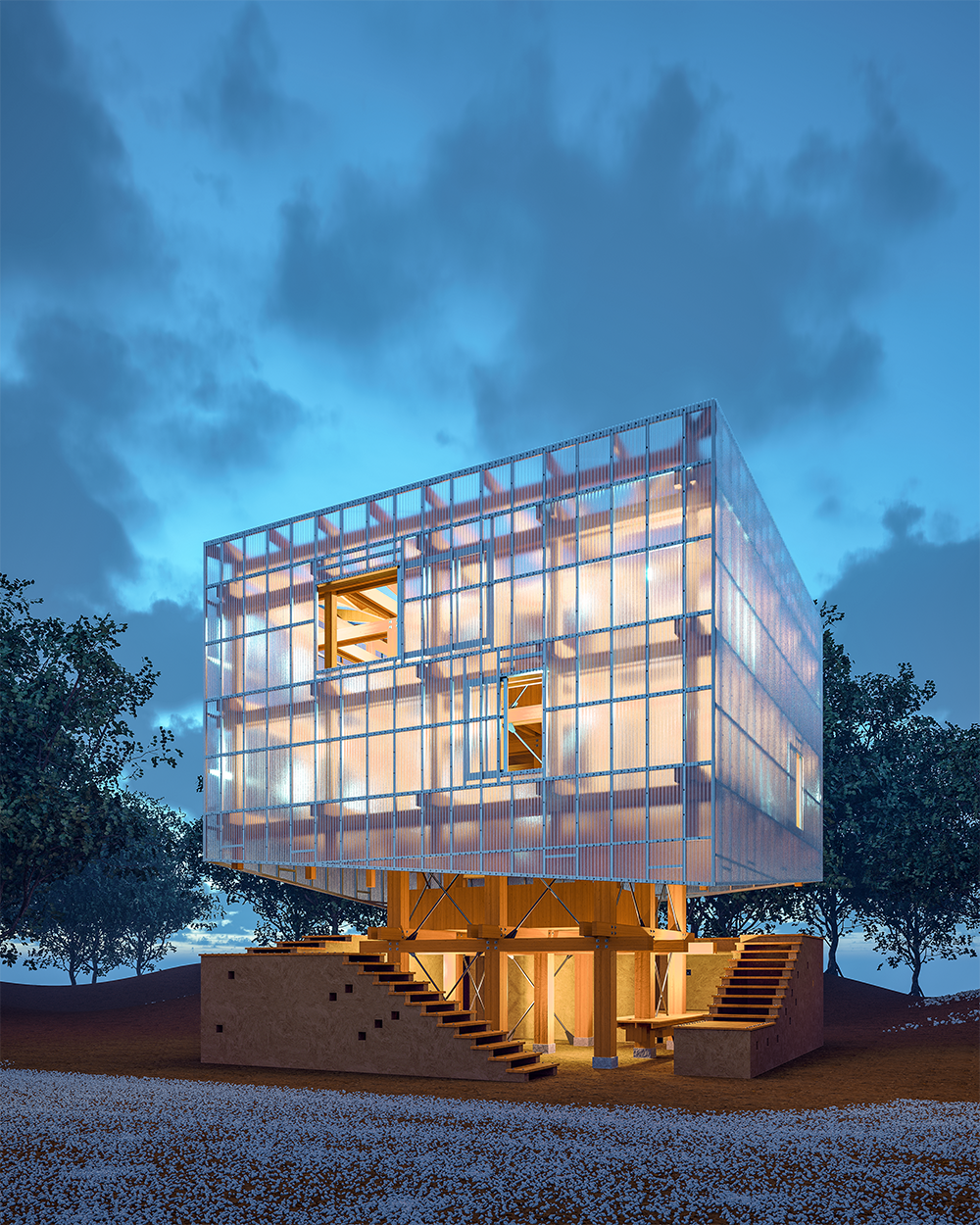
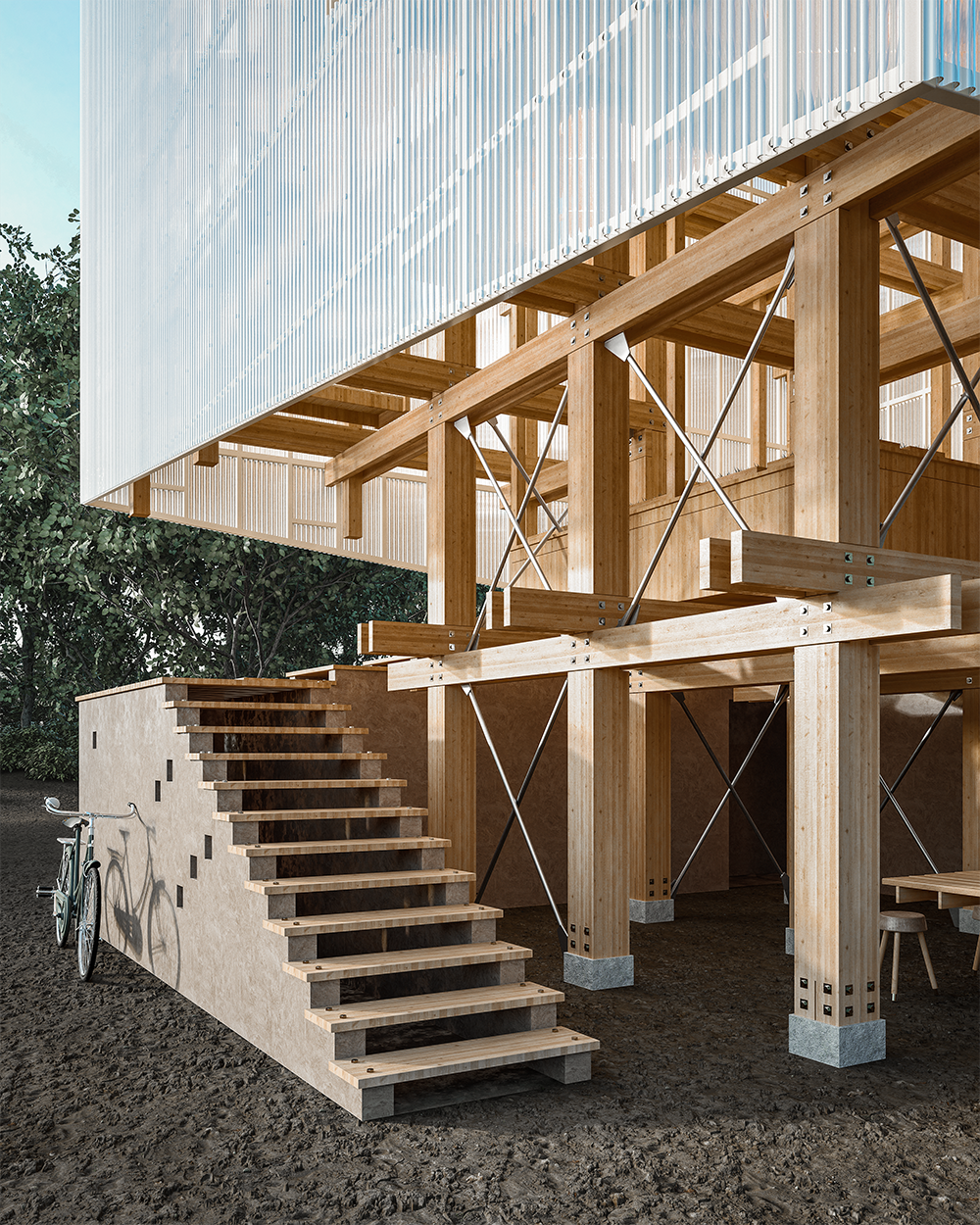
SketchUp-D5 Render Showcase



 English
 Español
 Français
 한국어
한국어 日本語
日本語