
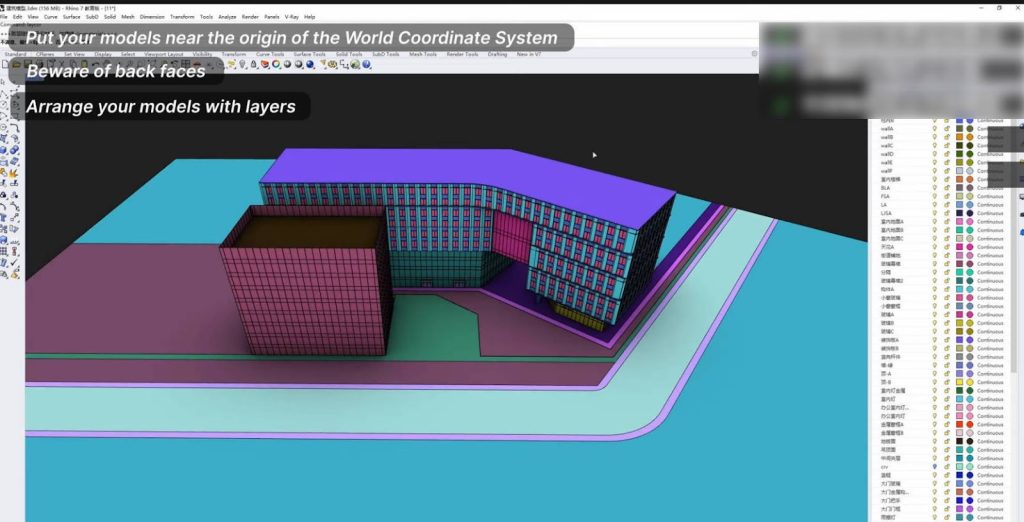
Kickstarting our list is the game-changing ‘laycor’ plugin for automatic material differentiation. Imagine effortlessly distinguishing the materials of different objects, paving the way for crystal-clear material editing once you import into your renderer. Say goodbye to confusion and hello to efficiency with a simple ‘laycor’ command!
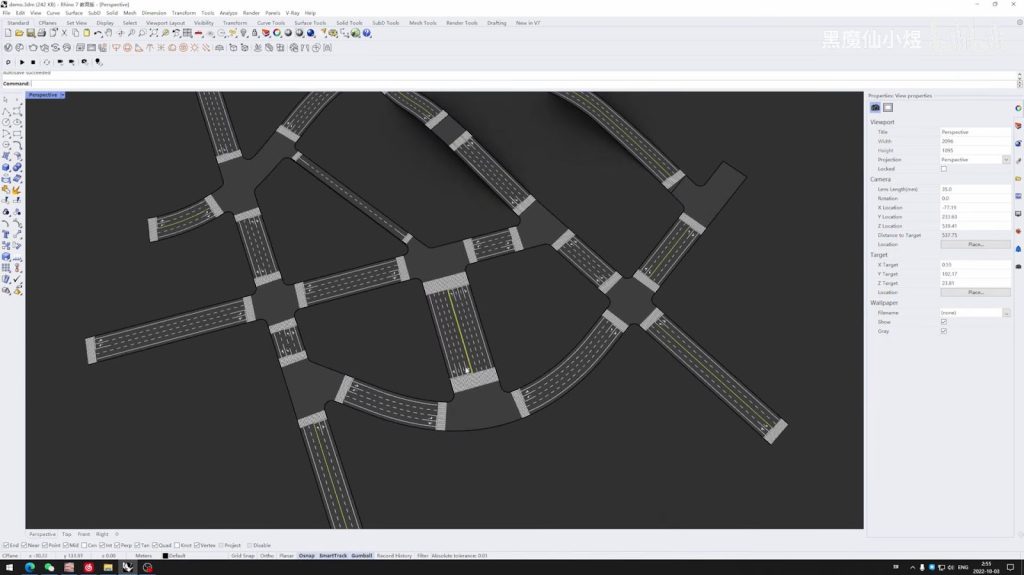
Next up, we’re rolling out the red carpet for the road traffic line generator plugin. When you’re deep in the architectural design process, modeling the surrounding plots can be daunting, but it’s the details that count, like those crisp lane markings. Ditch the manual grind and let this plugin work its magic, generating perfect traffic lines from the edges of your lanes with just one click!
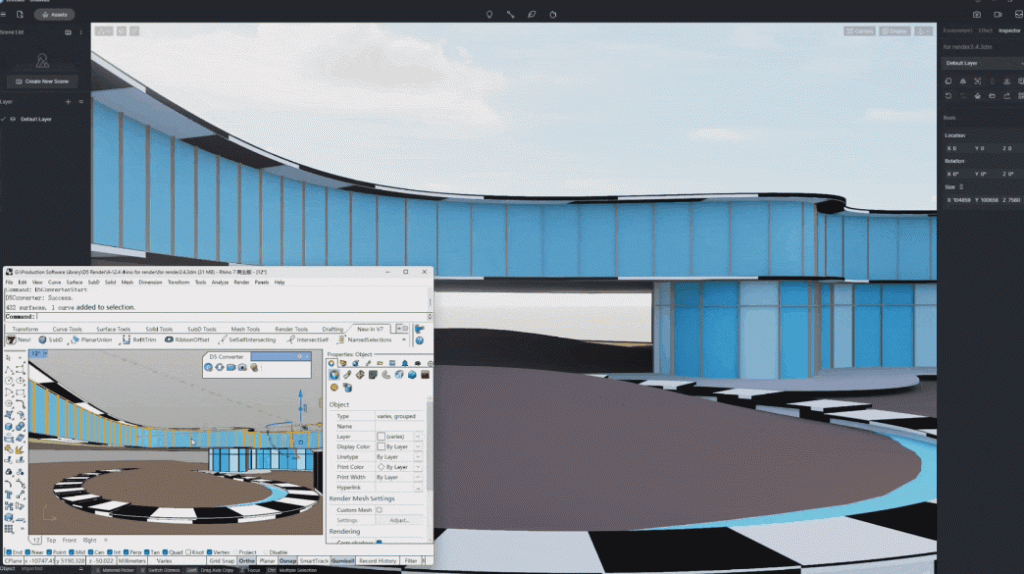
Third on our hit parade is the ‘D5 for Rhino’ synchronization plugin. This stellar add-on bridges Rhino with D5 Render, bringing real-time ray tracing technology right to your fingertips. Rhino enthusiasts can now bask in the glory of their models, bathed in simulated real-world environments, all within D5 Render. Modify and visualize in tandem, eliminating the import-export tango and propelling your design process at warp speed!
이 Rhino 플러그인들을 탐구하고 당신의 워크플로우를 평범함에서 멋짐으로 바꿔보세요!



 English
 Español
 Français
 한국어
한국어 日本語
日本語