
D5 Render 2.7 comes with an upgraded D5 GI and enhanced reflection algorithms, pushing the quality of real-time preview and output one step closer to Ground Truth.
*Please note that with the enhancement of ray tracing, scenes from earlier projects may need to be modified. We will provide a detailed walkthrough of the optimizations in this article, enabling designers to better understand the D5 GI and incorporate it into their projects.
Improvements in Direct Lighting
Increased limit of artificial light sources in the scene from 1024 to 4096
The new version of D5 introduces Light Grid, an acceleration structure that further enhances the light capacity and sampling efficiency of the lights. This enhancement will not have any impact on old archives.
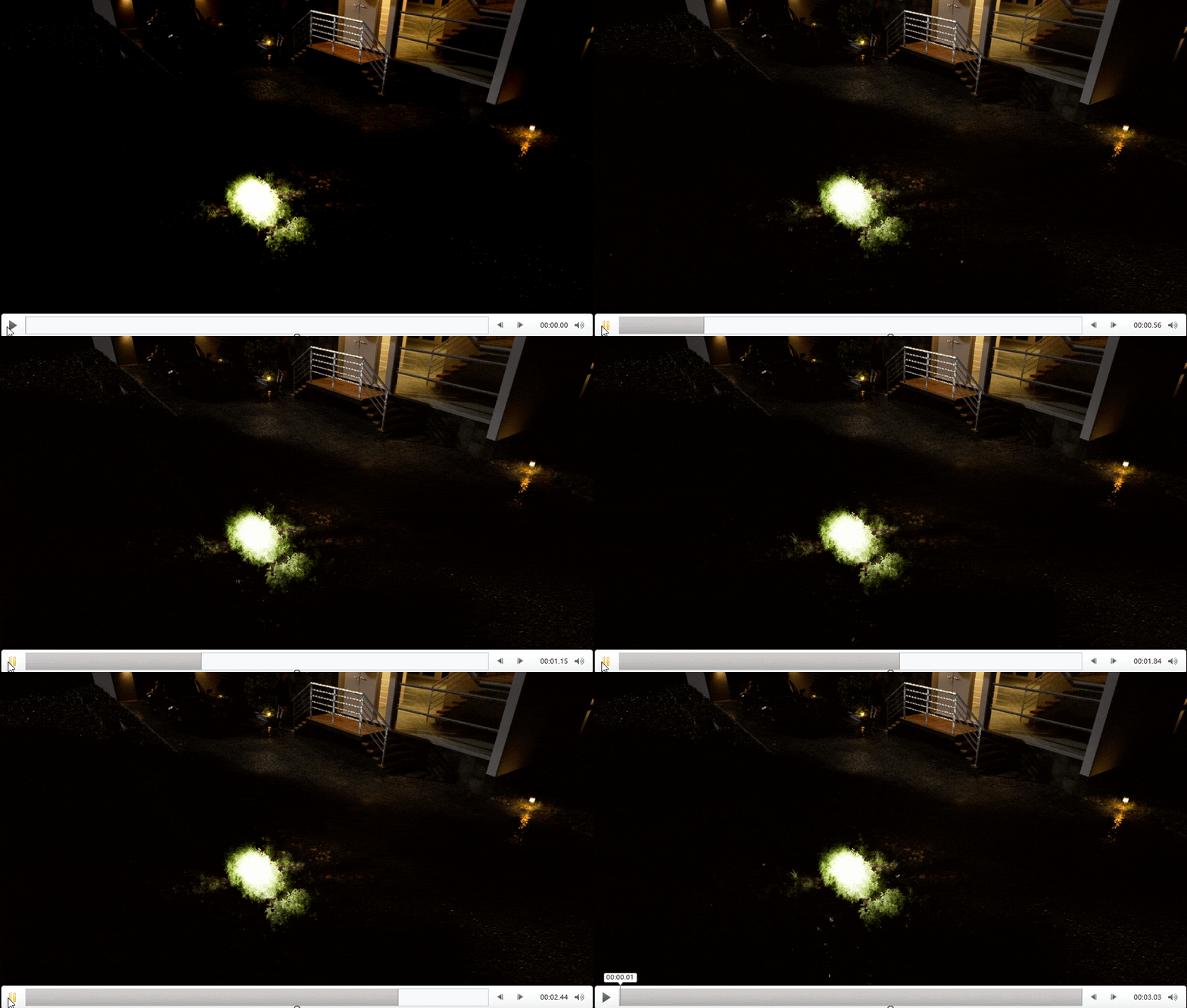
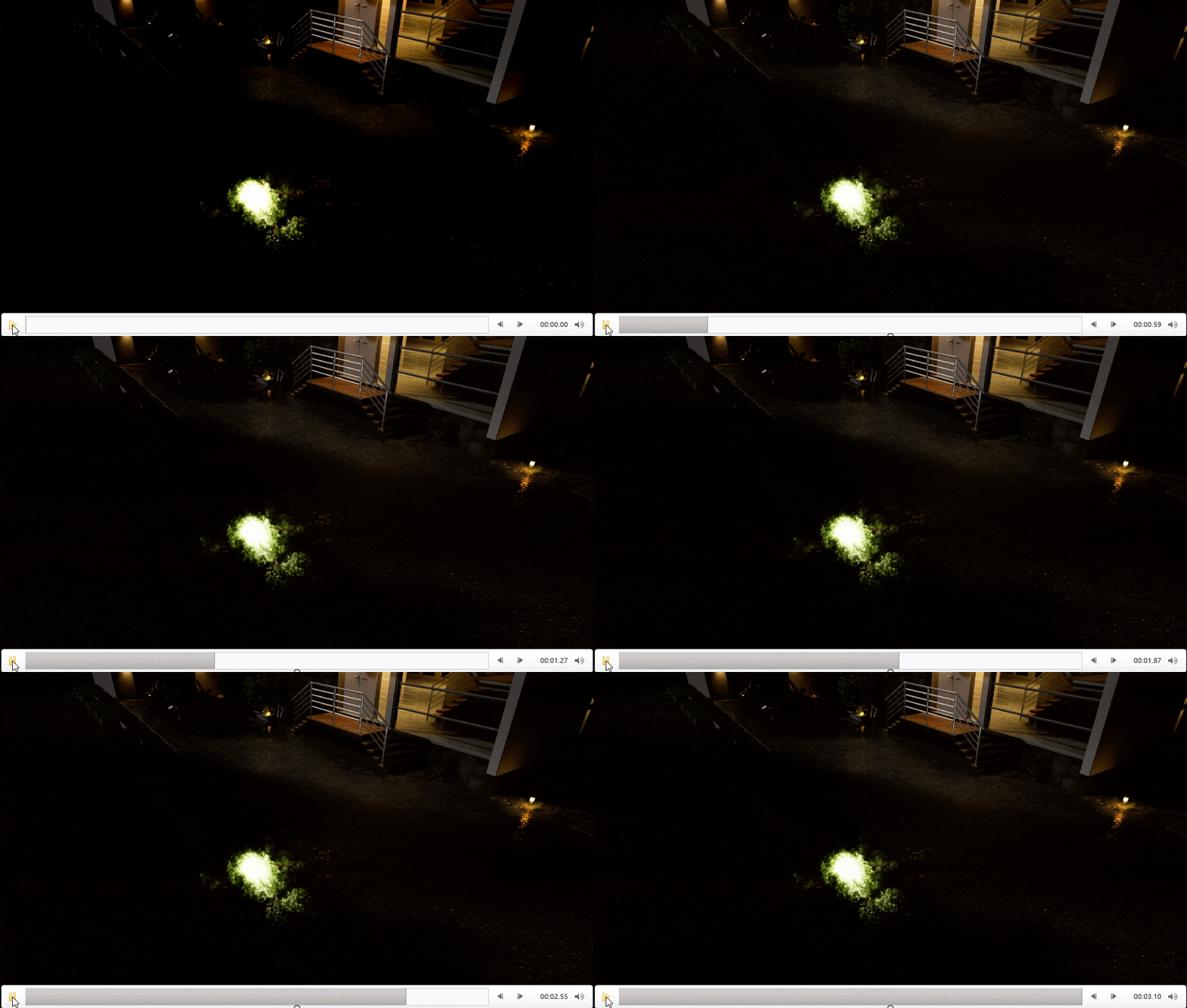
Reduced flickering caused by direct lighting (in video rendering)
Benefiting from the light grid technology, it is now possible to sample key light sources more stably in scenes with multiple lights, intense brightness, and complex occlusions. This leads to smoother, more stable, and consistent video rendering, especially evident in illuminating plants during night scenes.
Improvements in Indirect Lighting
– Interior lighting has been enhanced by incorporating skylight color into the secondary bounces of GI.
– Metal reflections in interior environments become brighter and more precise.
With the introduction of skylight into bounced rays, the GI in interior scenes appears slightly brighter and cooler. The same goes for metal reflections.
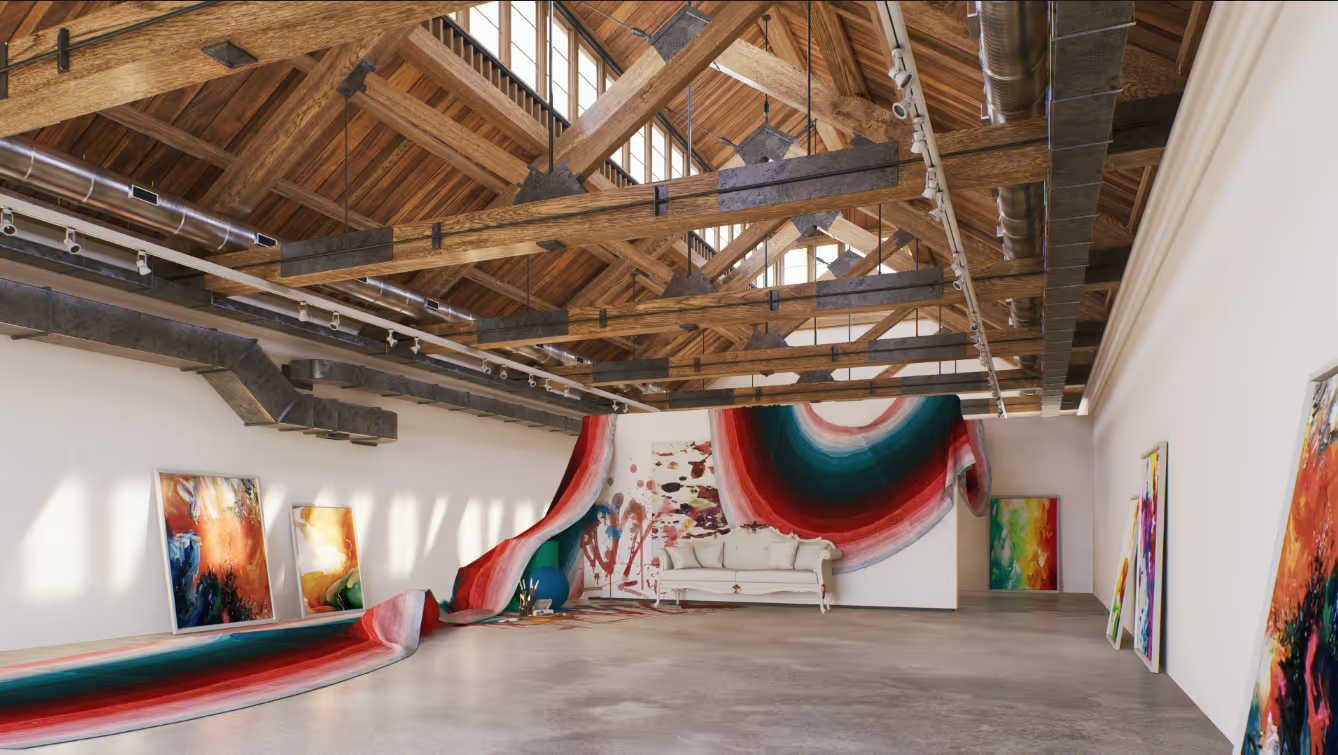
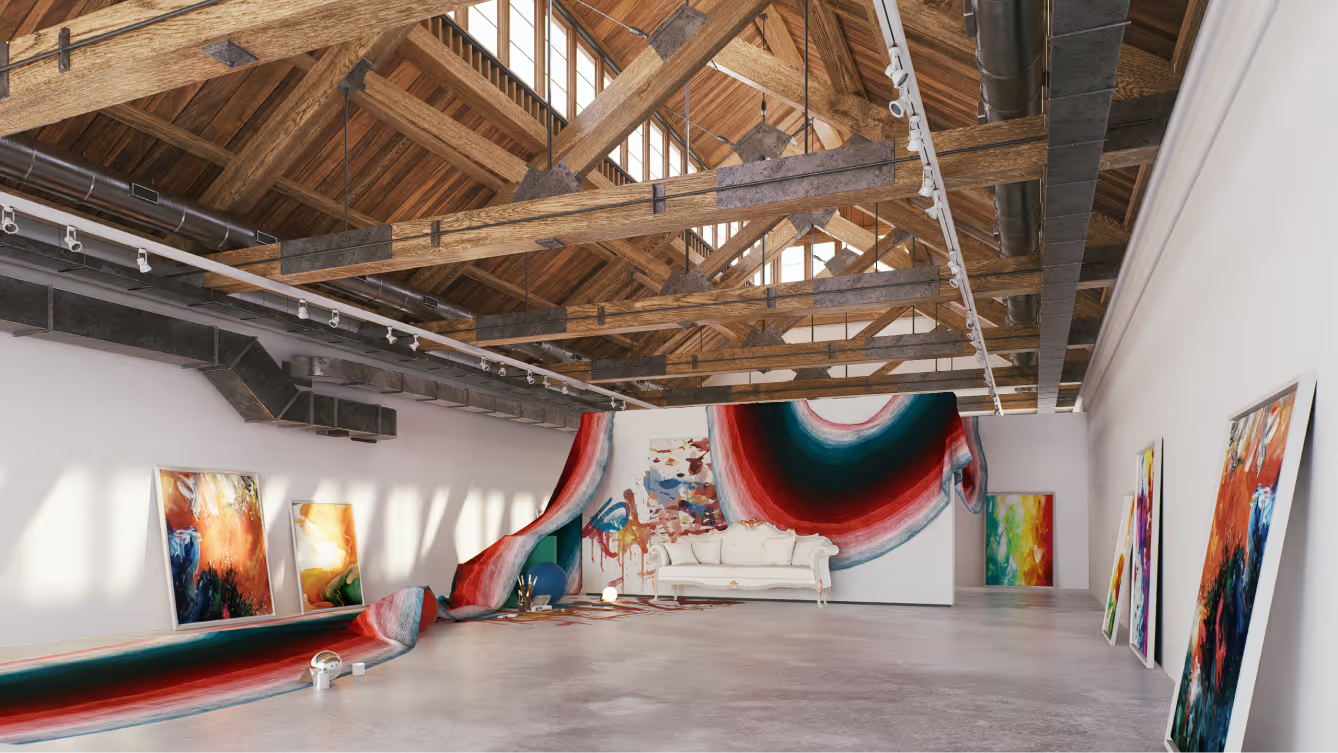
Please note that version 2.7’s more accurate GI doesn’t inherently cool interiors; it follows your settings. Differences are subtle in new projects and will only be clear when comparing old and new version renders side by side.
More accurate colors in indirect lighting
In version 2.7, the calculation of GI color no longer averages texture map colors but uses local texture colors directly, with four detailed adjustments for bounced light brightness.
- Realistic contrast and light-shadow details in interior scenes.
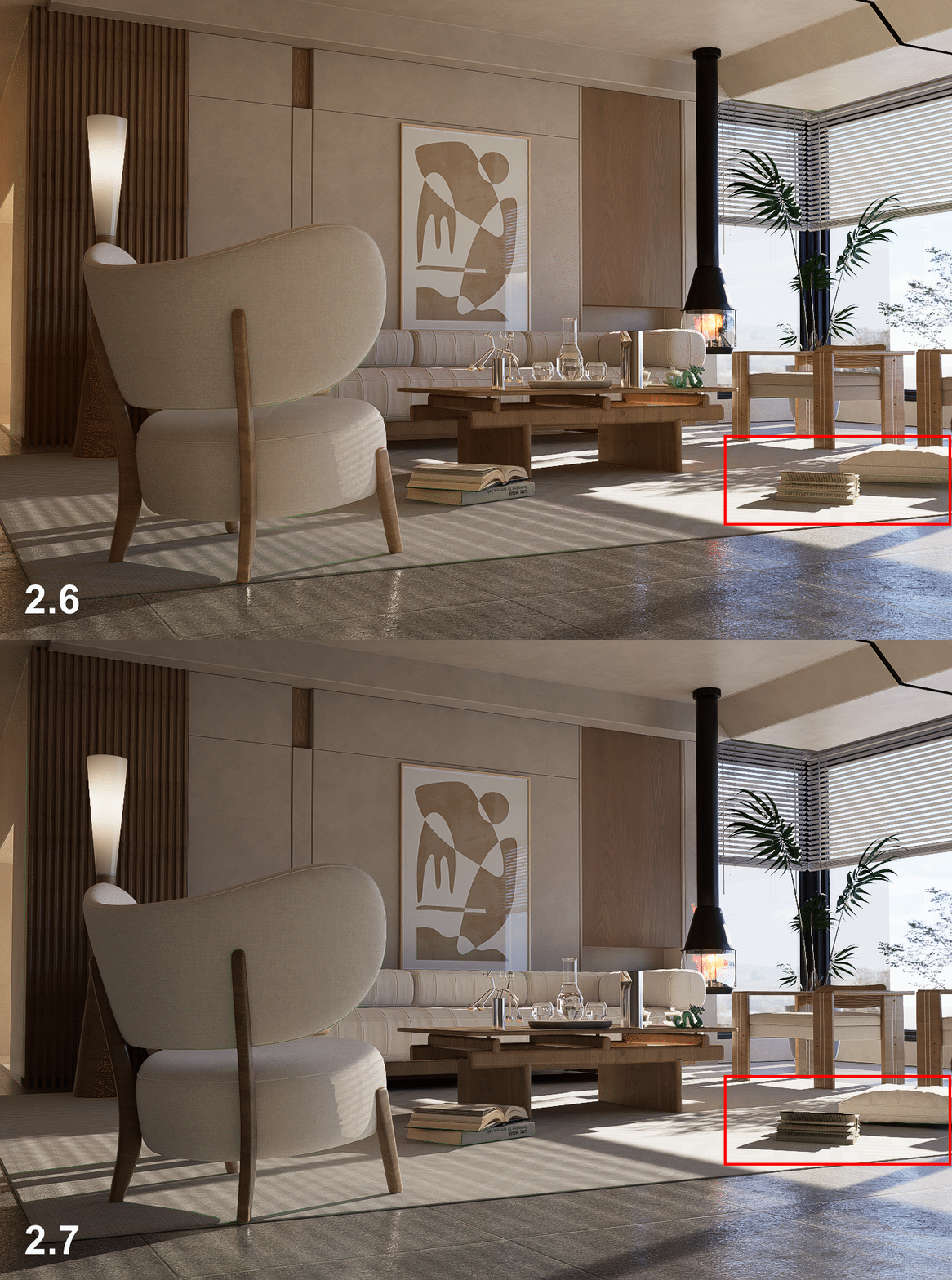
As shown in the comparison using the same scene file, the new version D5 2.7 exhibits more detailed contrast in the backlit parts of objects, with clearer bounced lighting and darker crevices’ occlusion shadows. This is because version 2.7 has higher GI sampling accuracy and more accurate brightness. The new GI is much closer to the realistic representation expected in real life than the old version, in which indirect lighting brightened the whole scene up.
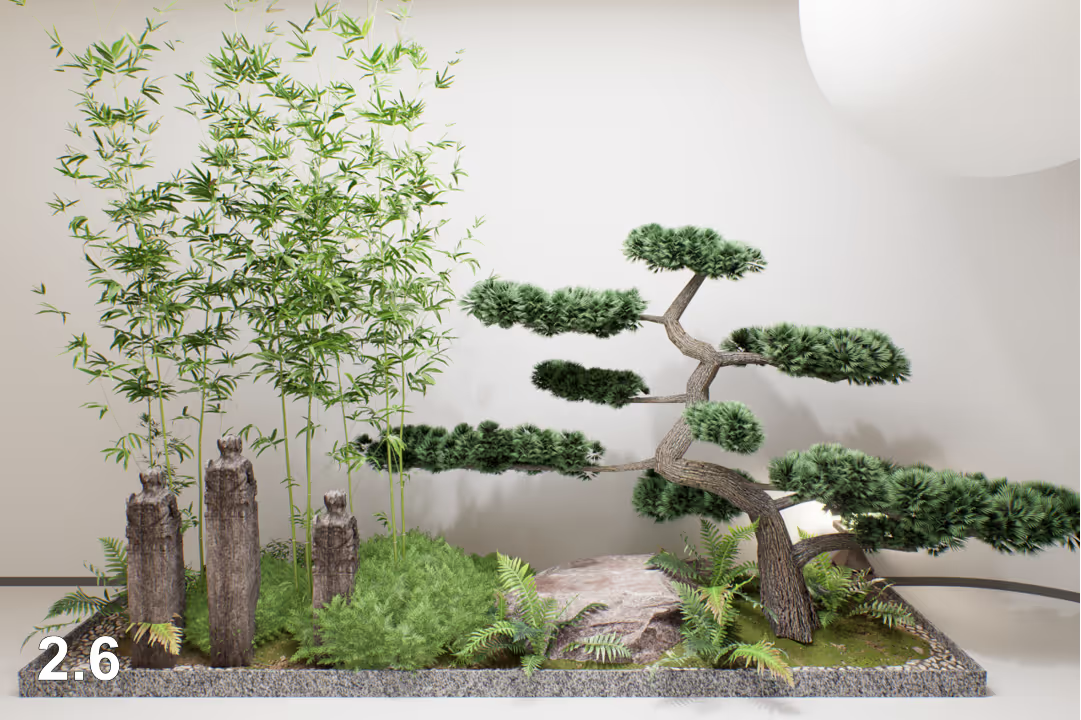
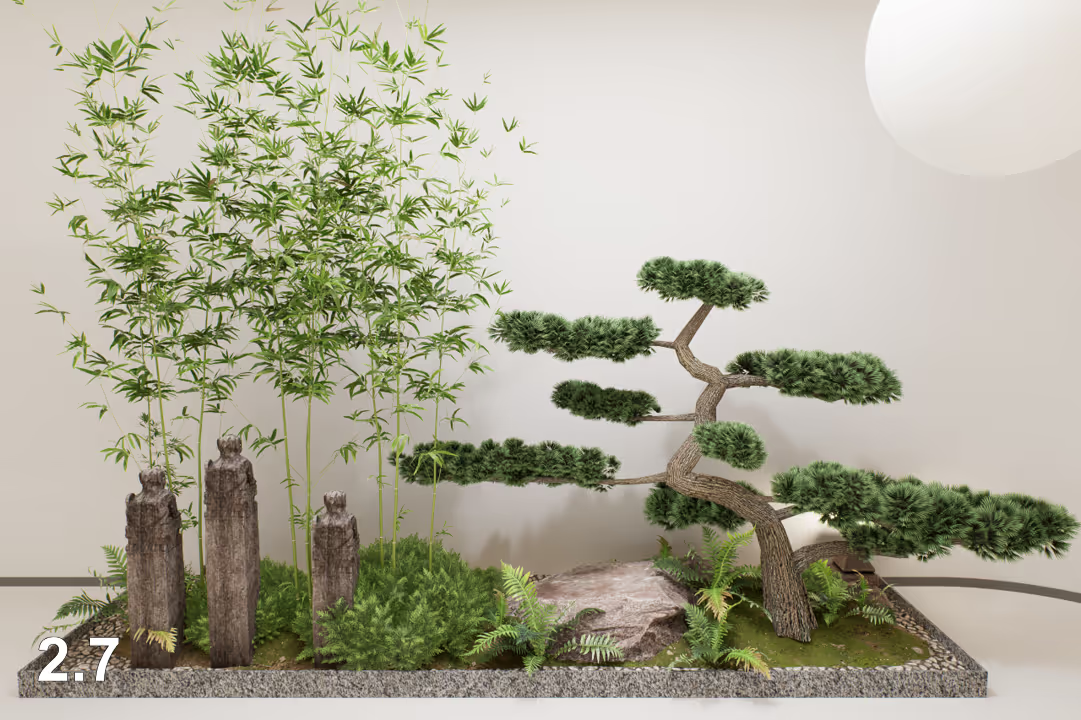
- Richer details in GI for plants.
Following the same principle, details of plants are further improved.
- More realistic bounce lighting for colored textures.
In the old version of D5, the bounced lighting from colored textures was calculated based on the average color of the texture map, resulting in indistinct color differentiation.
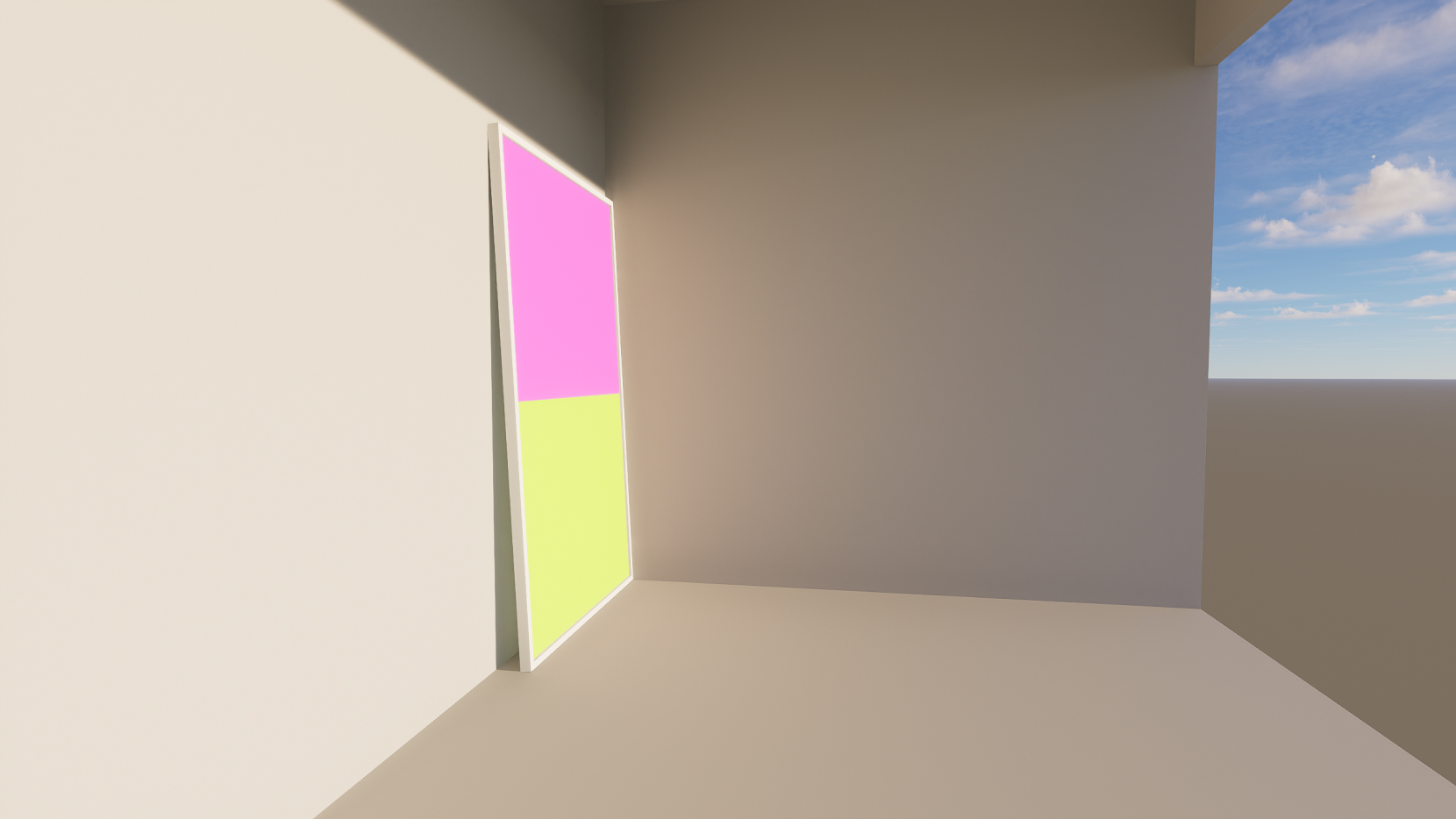
In the 2.7 version, the bounced light color is calculated based on the actual colors of the texture map, achieving a more realistic effect.
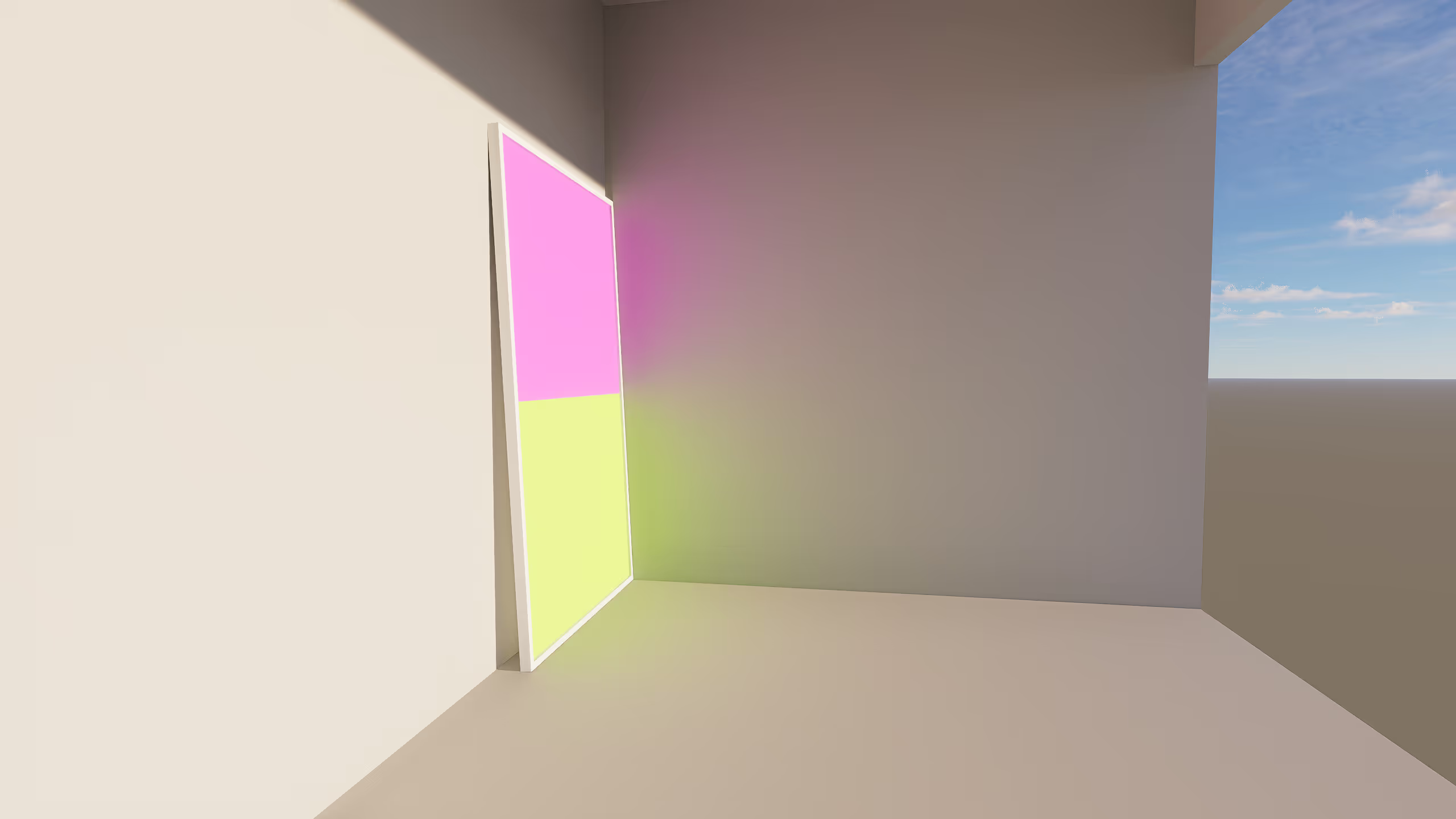
*Note that for such changes, if you desire an appearance closer to the old version, you can try enabling the “Limit Color Bleeding” option in the material settings to reduce the saturation of bounced light.
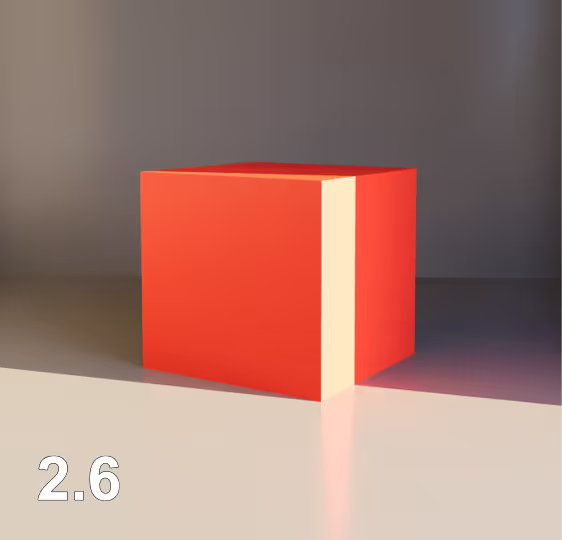
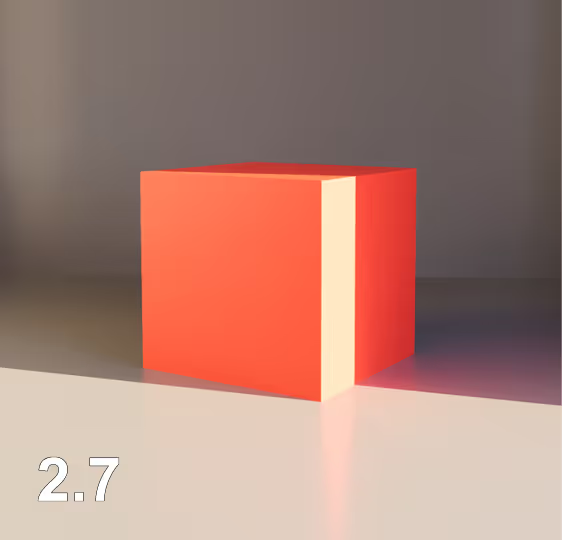
- Increased details in indirect lighting and reflections.
Version 2.7 enhances detail in bounced light and reflections with improved GI algorithms.
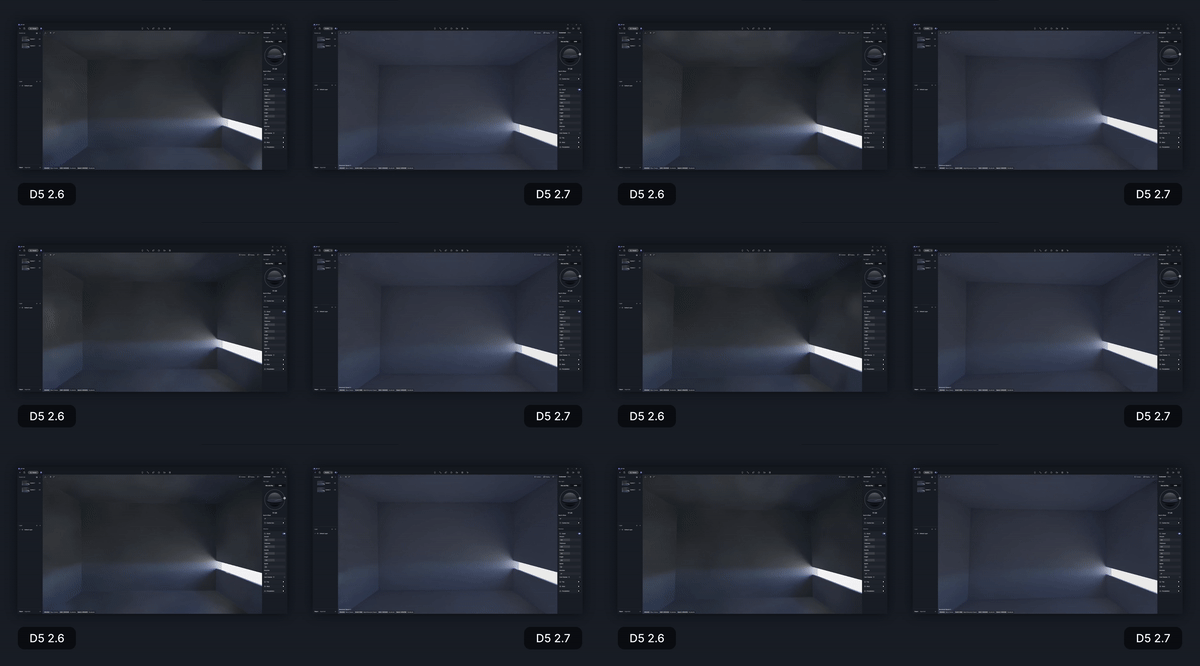
Improved real-time preview
In dimly lit scenes, the spots caused by camera movement are eliminated by the new lighting algorithm in version 2.7, resulting in a more stable and immersive experience.
Soft shadows in reflections can now be rendered in videos
Previously limited to image rendering due to high computational cost, rendering soft shadows from multiple light sources in reflections is now available in video renderings for realistic animations.
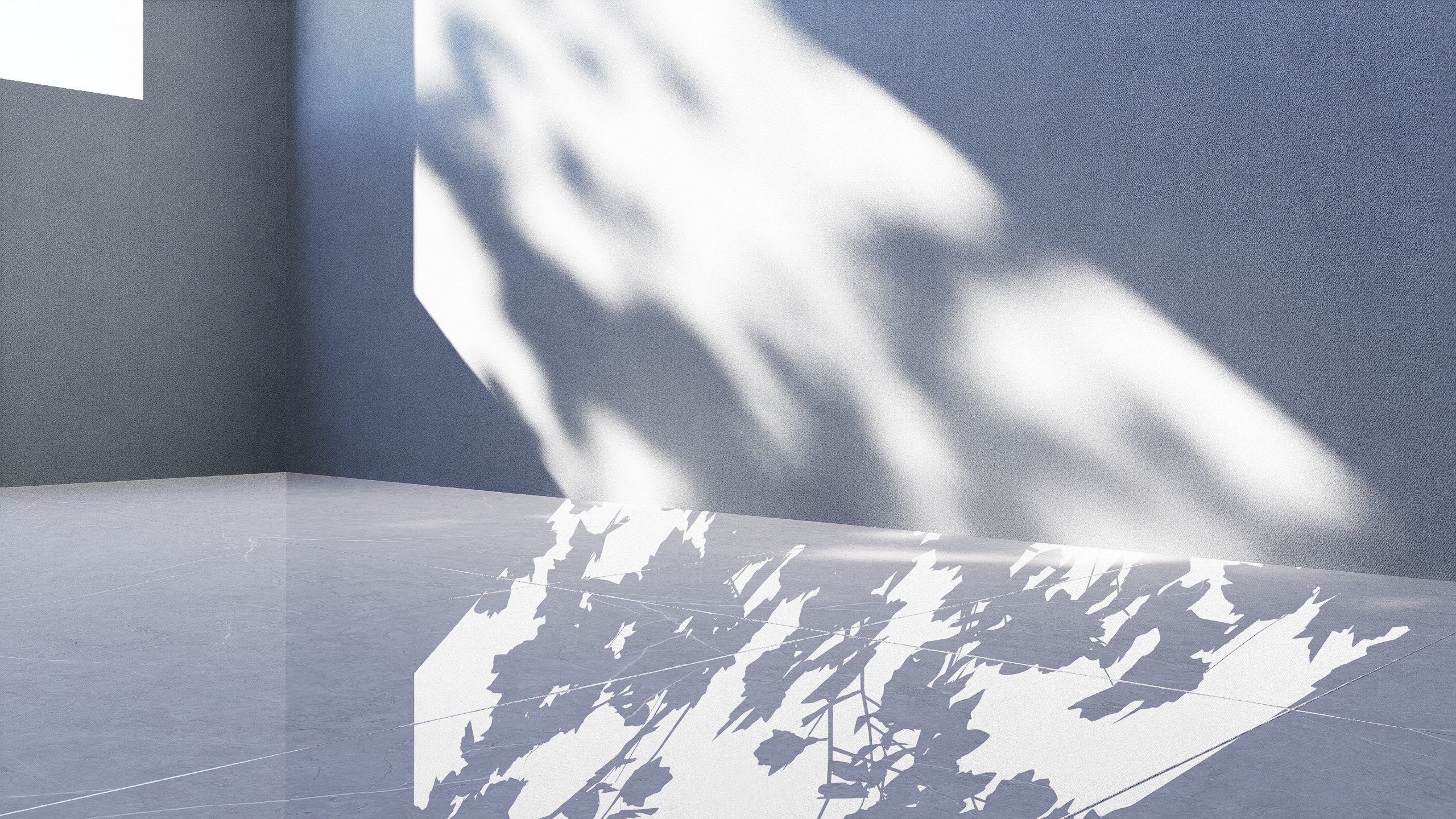
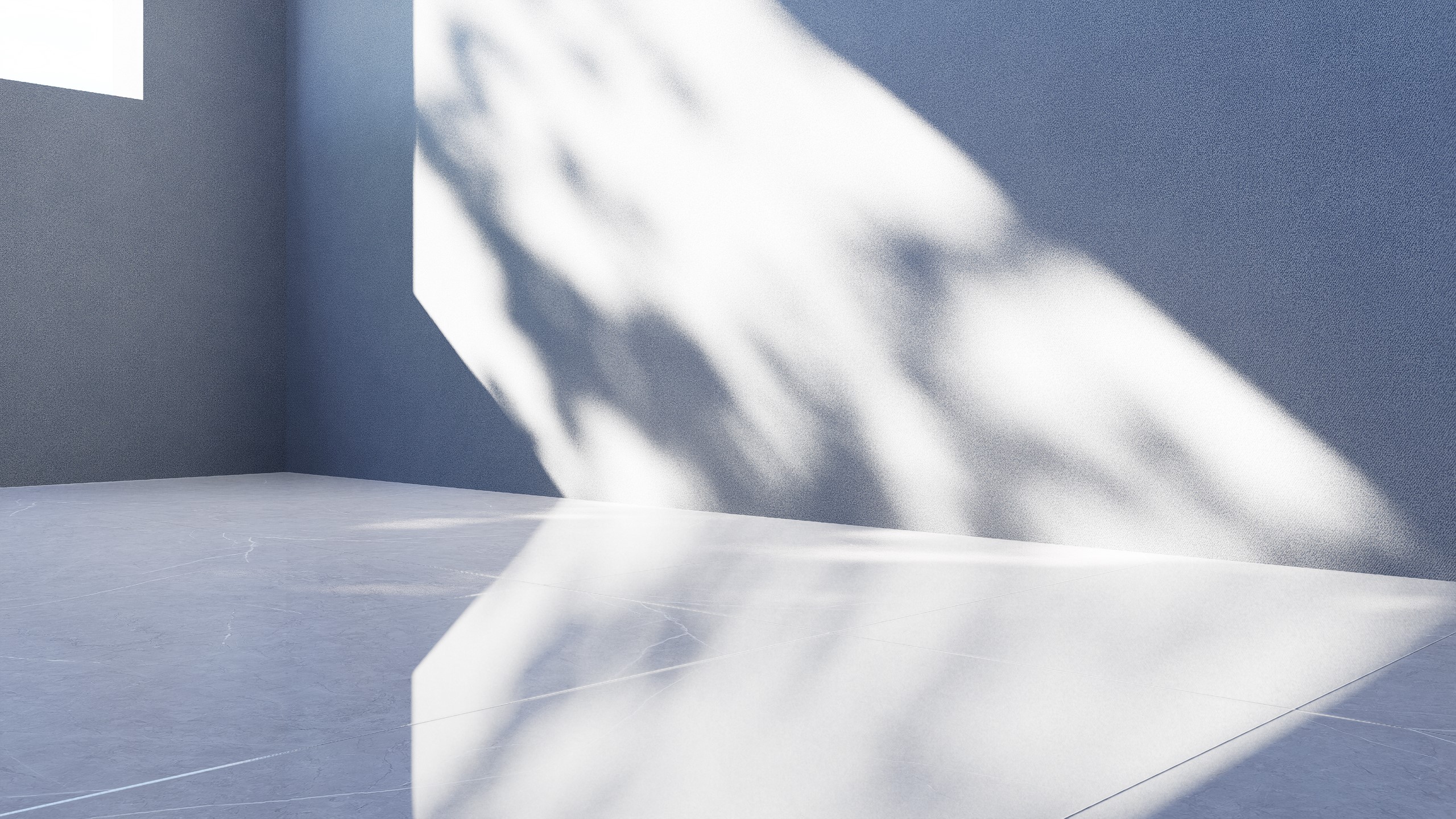
*Note that for the sake of preview efficiency and effect, soft shadows in reflections are still not supported in the real-time preview, but this effect is calculated correctly in the output images and videos.
Light sources produce more accurate Global Illumination (GI)
The upgrade of the GI algorithm also brings more accurate GI representation of lights, which mainly affect the following aspects:
- The shape of IES lights will accurately affect the GI brightness.
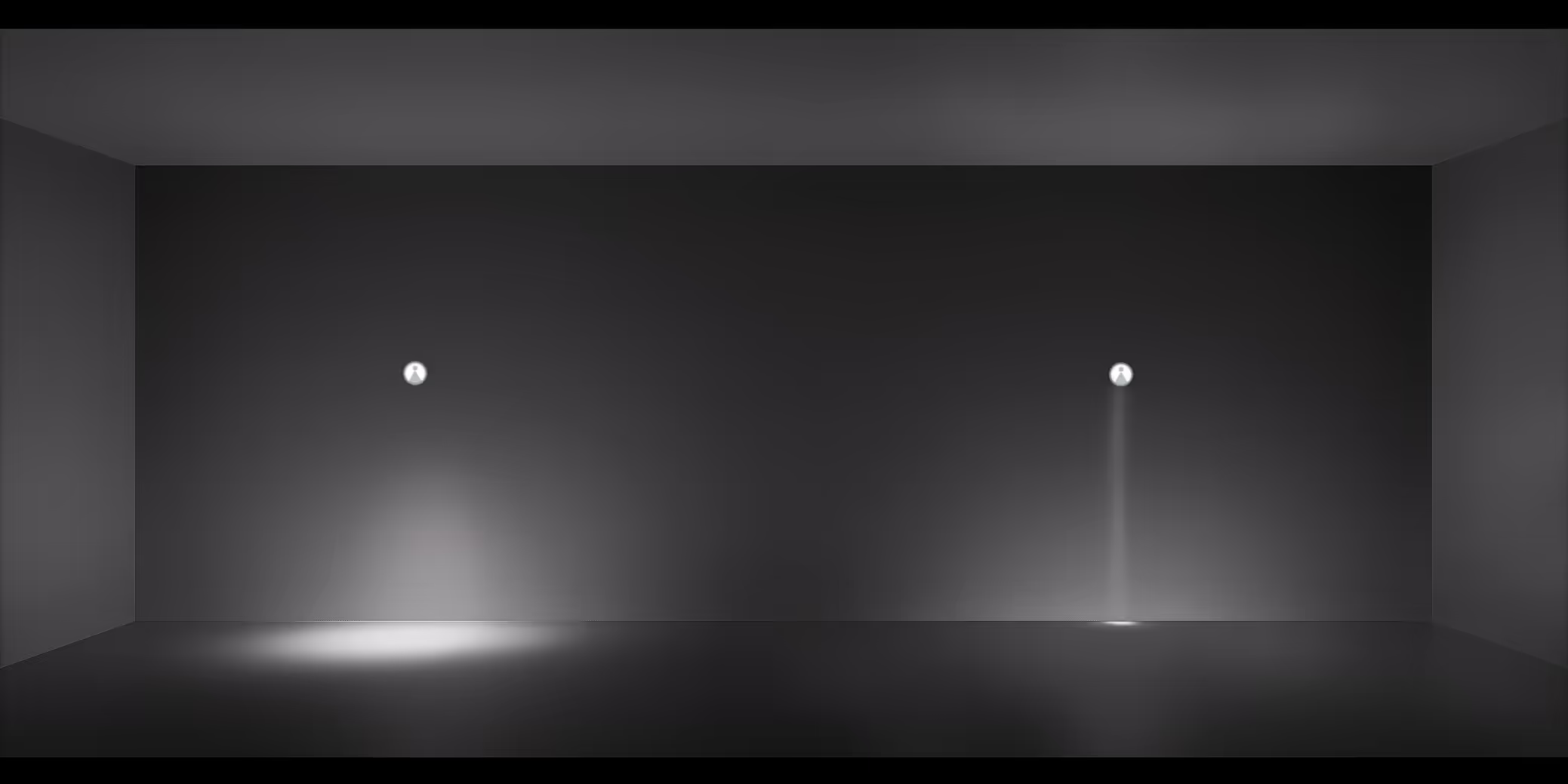
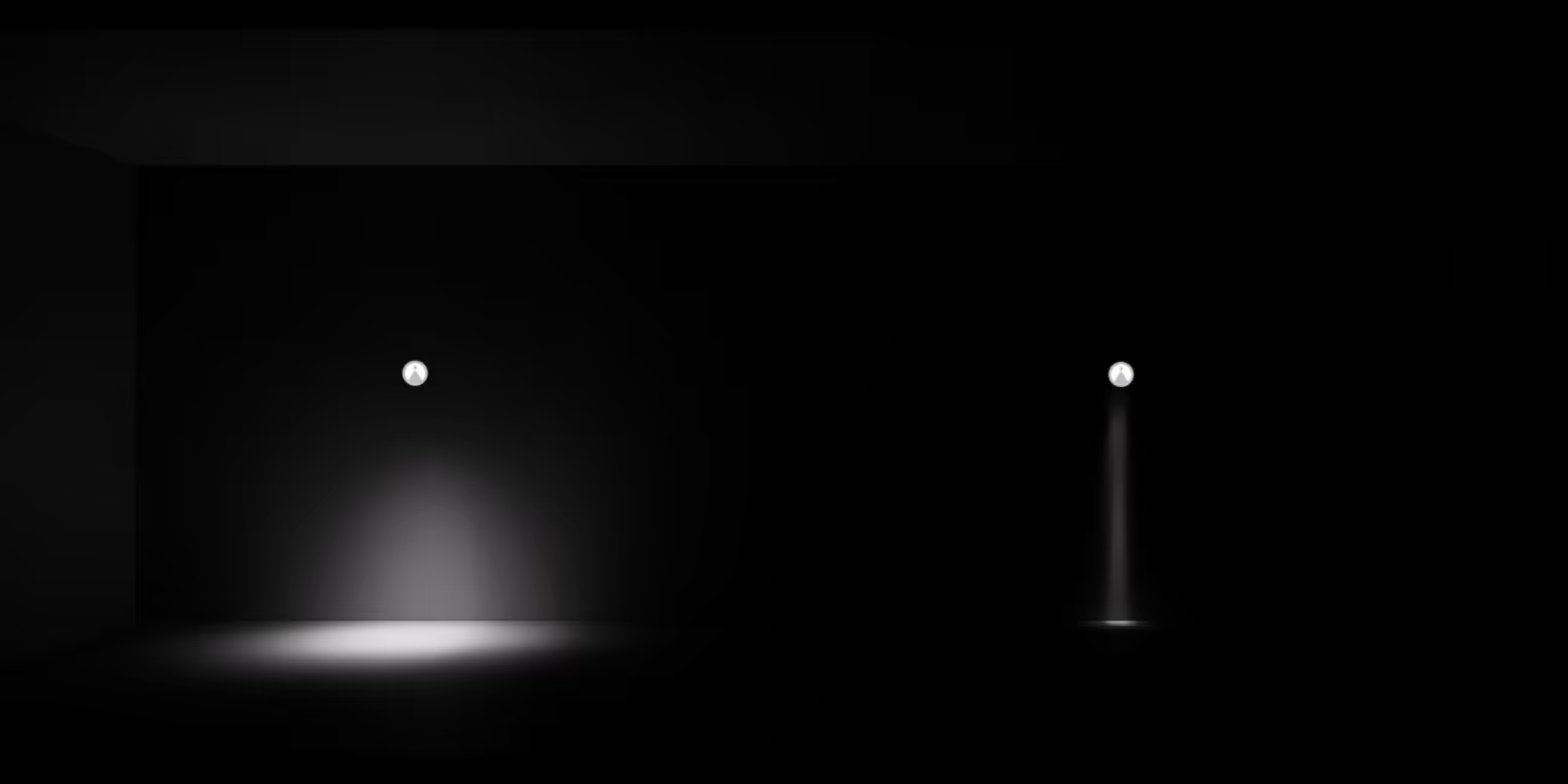
- The GI of Stage Lights and Projector will change in real time according to their content.
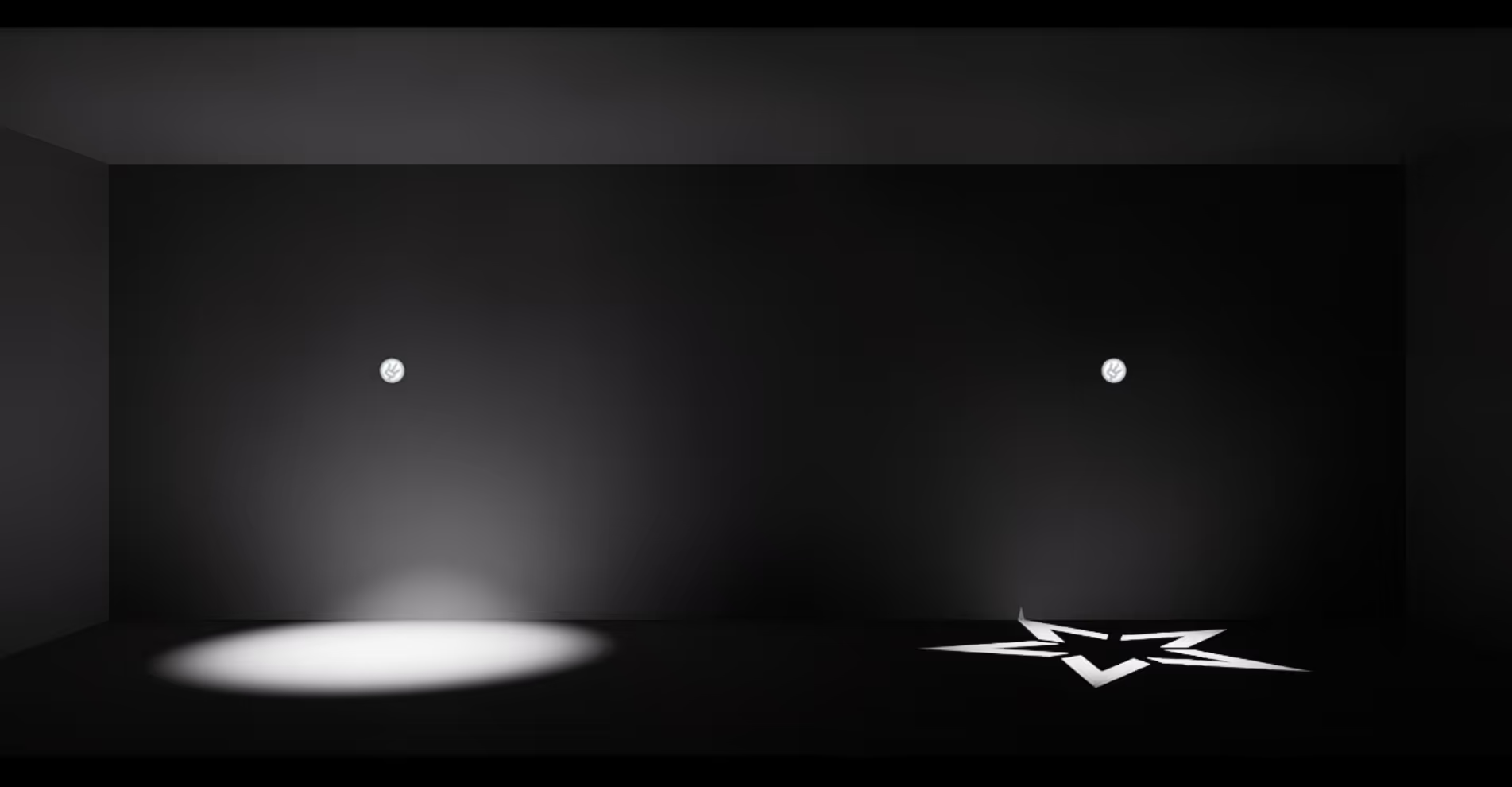
In the old version, the bounced light produced by Stage Lights does not show significant differences based on changes in the Gobo pattern.
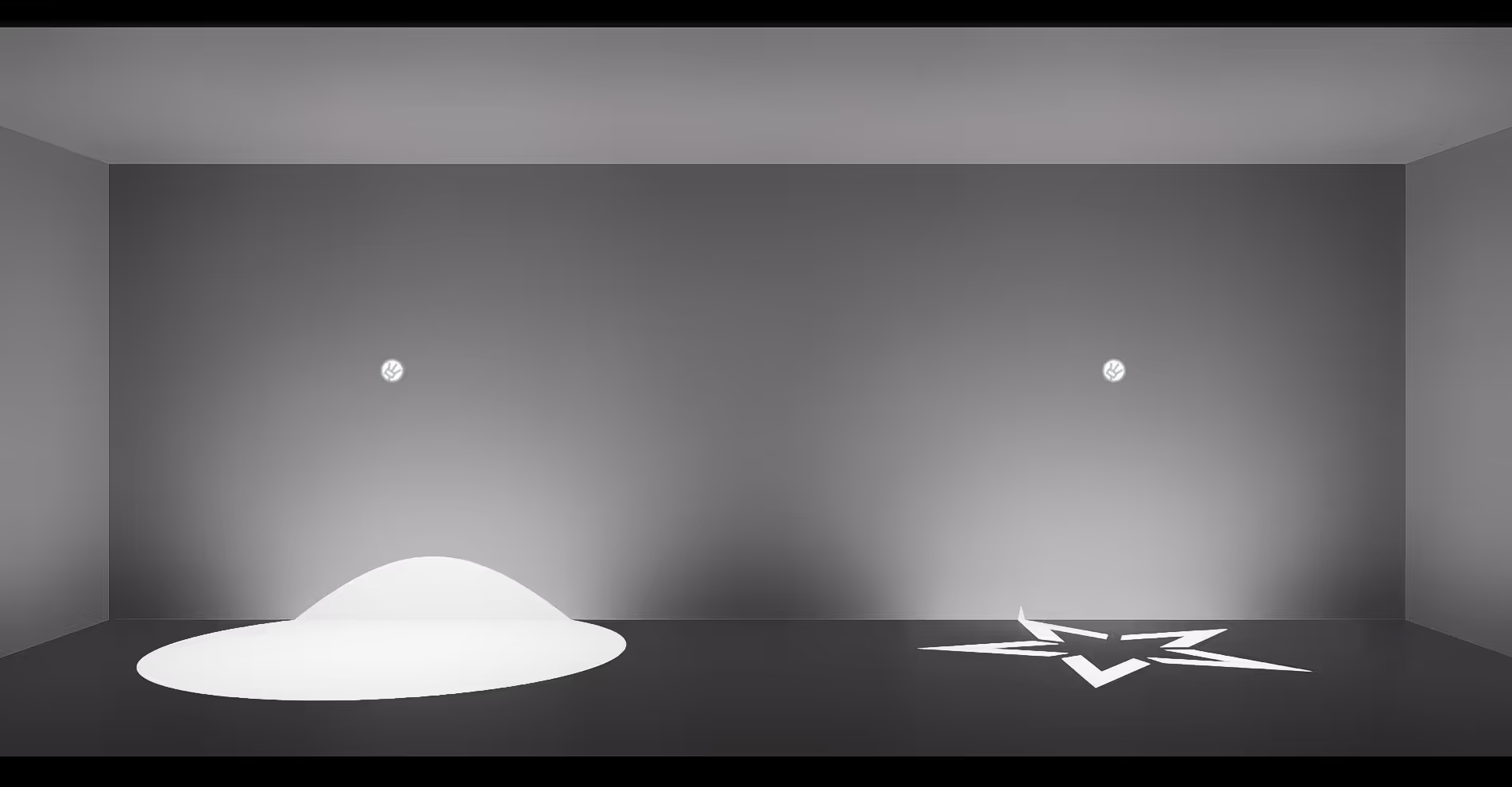
In version 2.7, the bounced light from Stage Lights accurately changes according to the Gobo pattern.
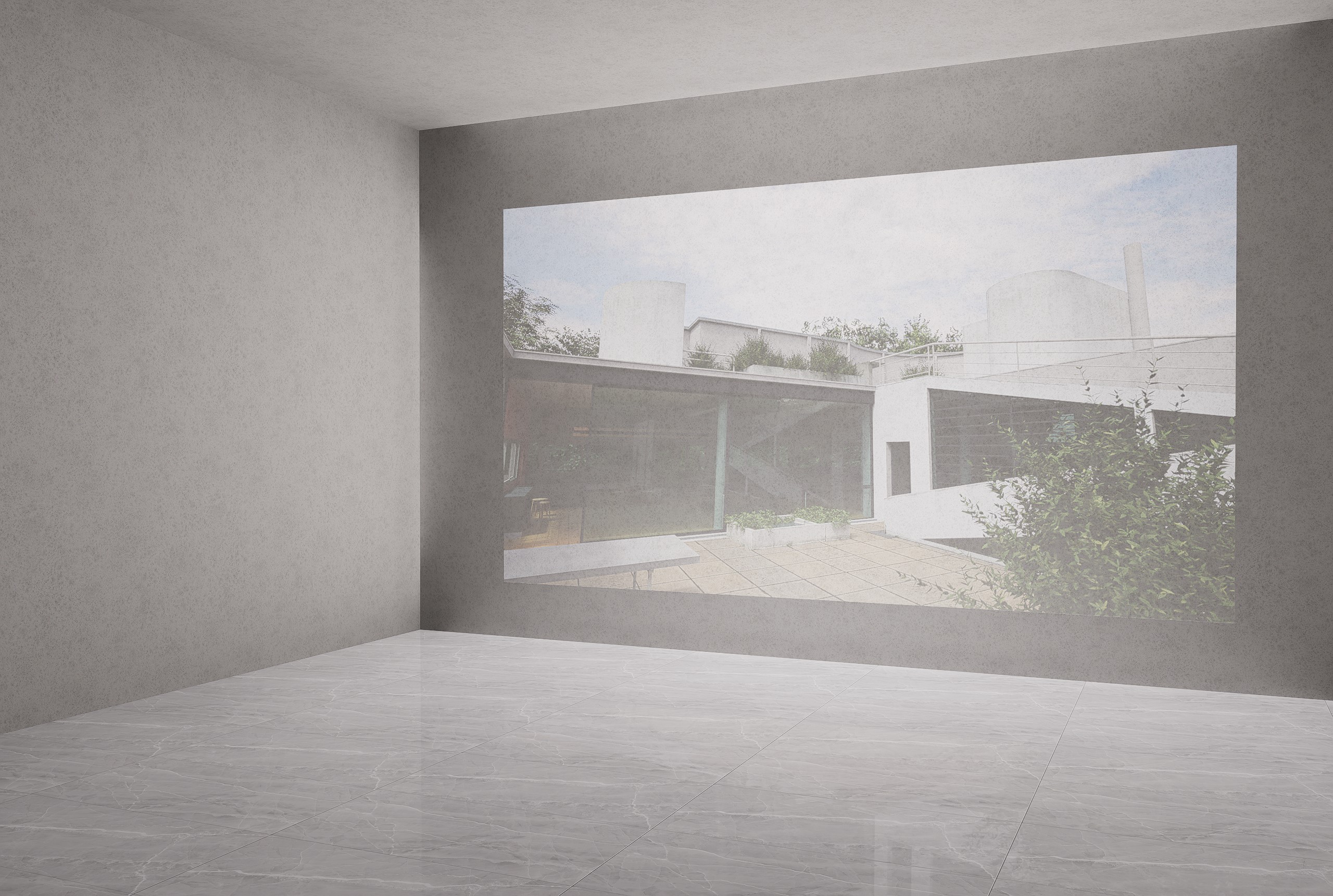
In the old version, the Projector emits white light in addition to the necessary image projection.
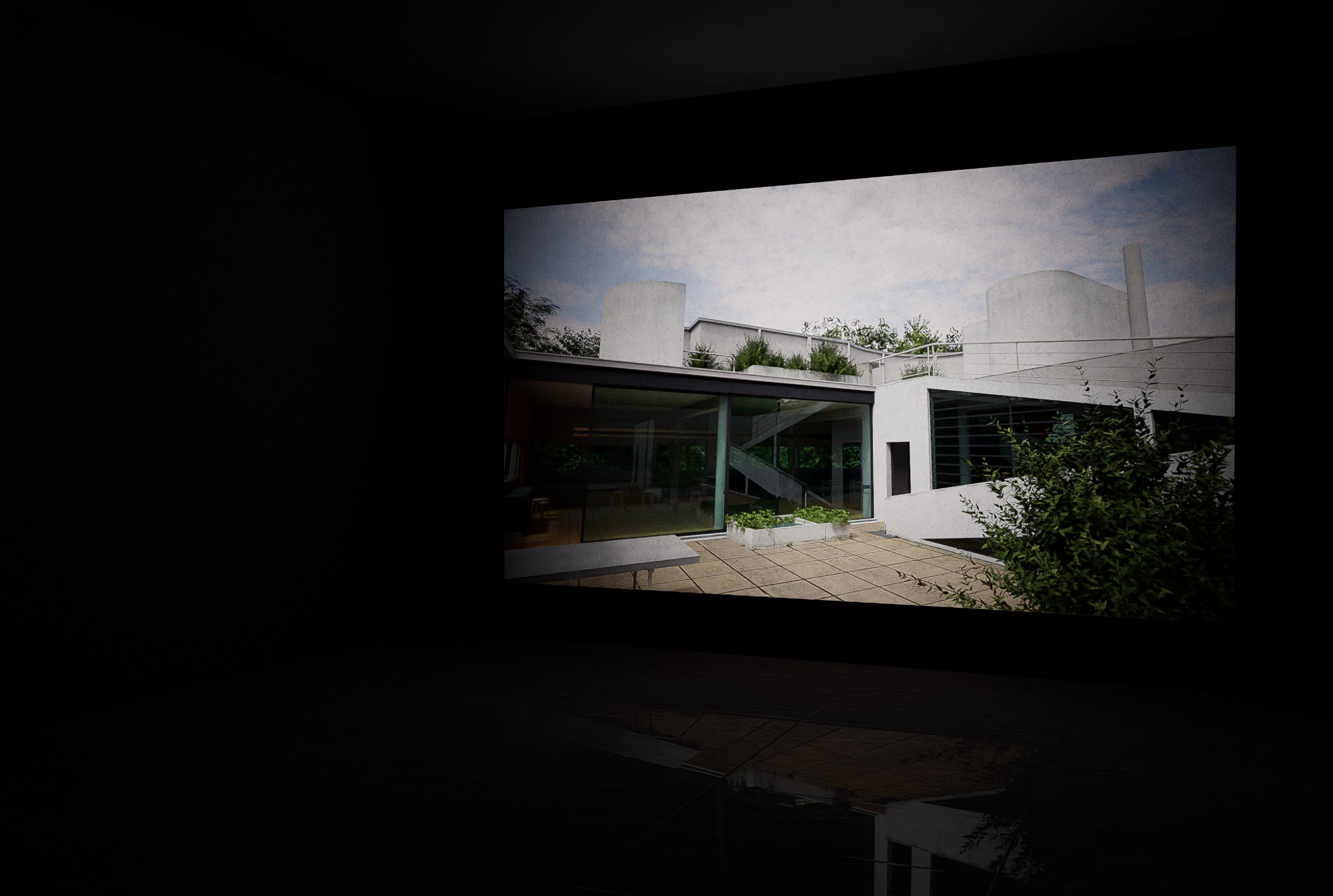
In the new version, the Projector provides lighting for image projection only.
- The Attenuation Intensity parameter of Rect Lights correctly affect the GI brightness.
The new “Attenuation Intensity” parameter added to Rect lights and Strip lights is designed to better control the illumination range of Strip Light on walls. In the old version, the “Attenuation Intensity” parameter only affected the direct lighting and did not correctly influence the bounced rays. The new algorithm solves this issue.
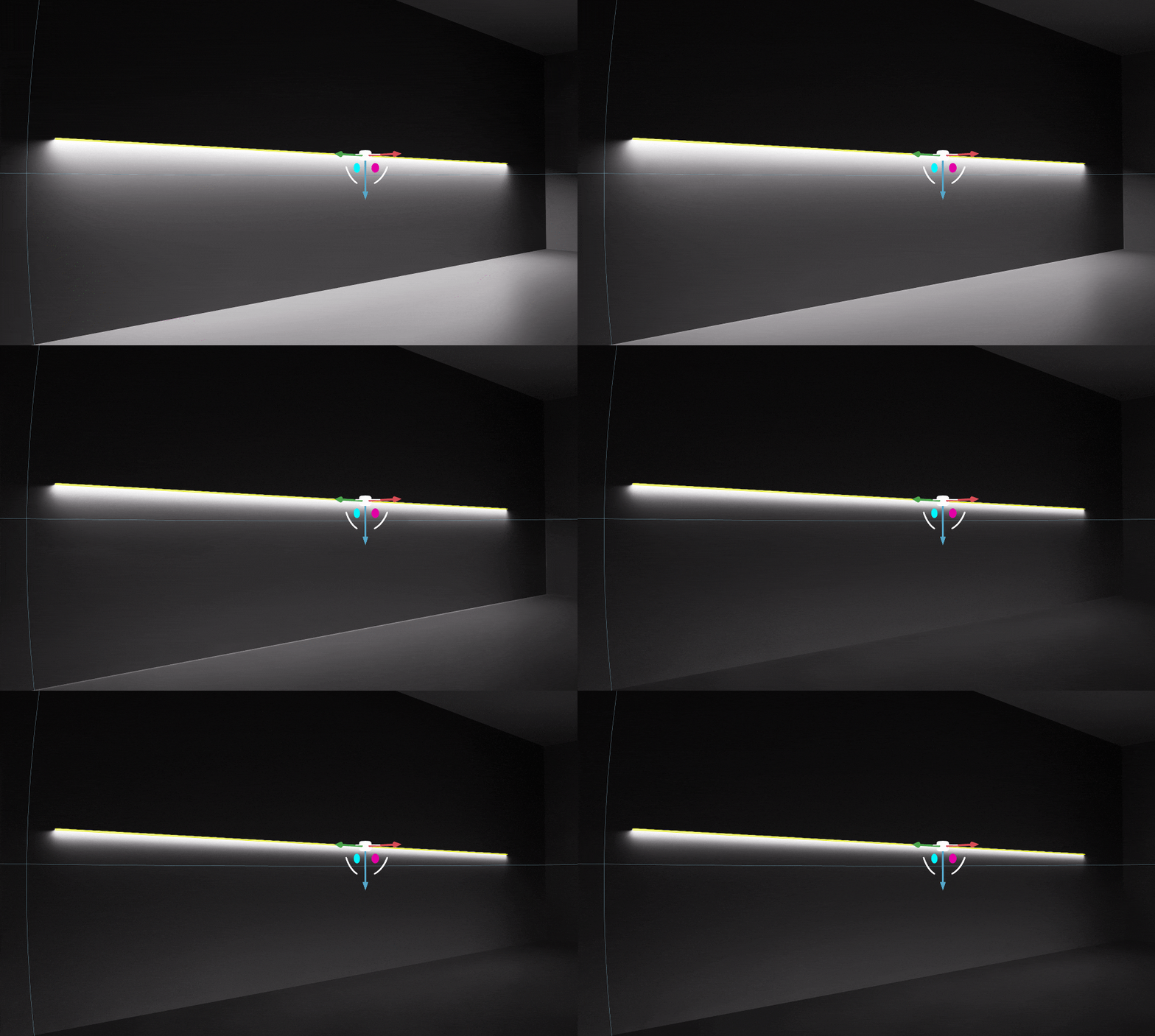
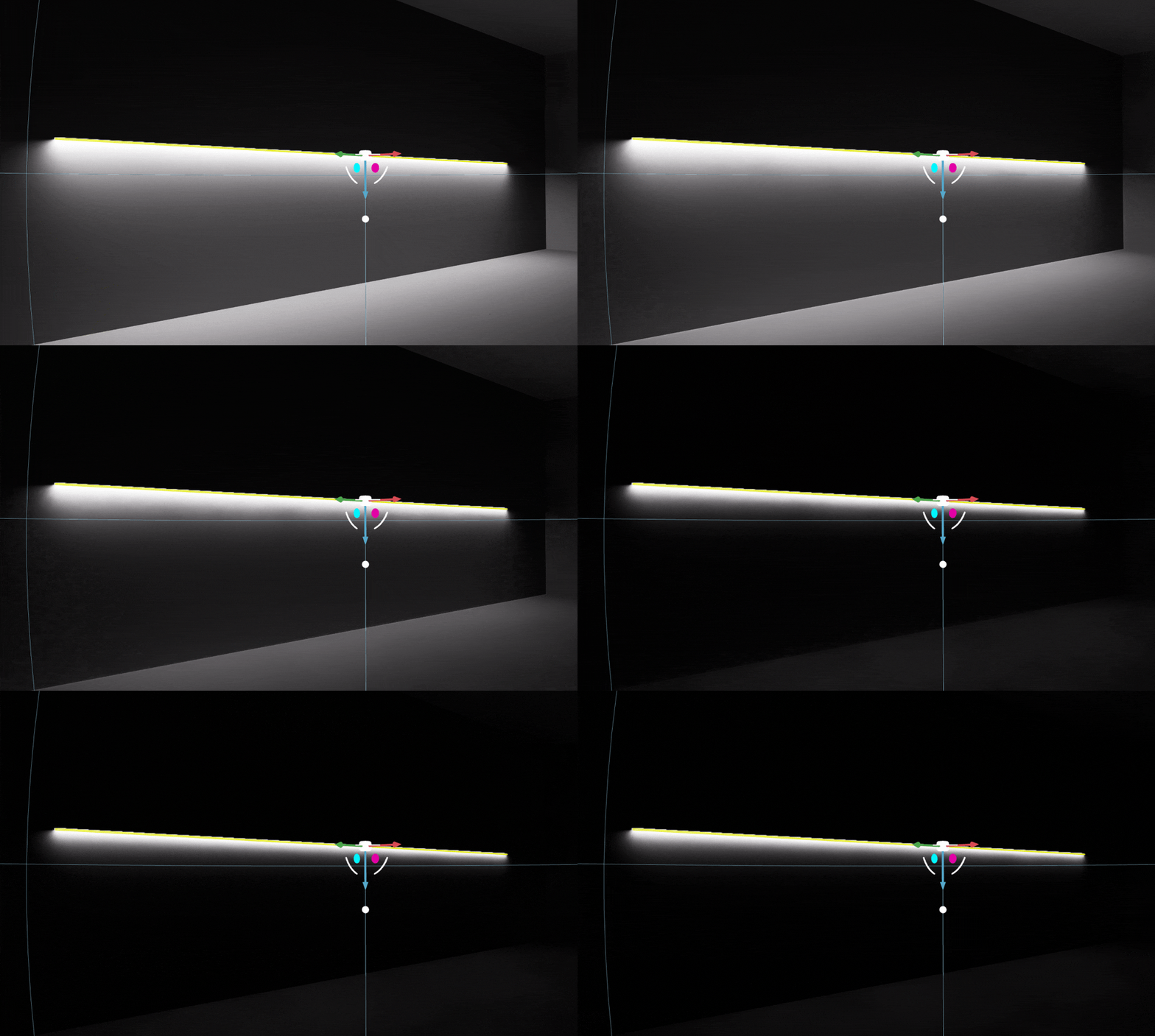
These above changes are critical and worth noting. It is necessary to generate accurate lighting based on the actual conditions of the light sources. However, when opening earlier scene files having IES lights, Stage Lights, and Projector in D5 2.7, there may be noticeable differences in brightness. In such cases, it is recommended to adjust the light source arrangement, modify the brightness of IES lights, or consider using more suitable IES files according to the specific requirements of the scene.
참고:
If you are using an older version and have ongoing projects, it is not recommended to upgrade to D5 Render 2.7 at this time to maintain scene consistency. Starting new projects from scratch using D5 Render 2.7 will not encounter these issues, and the new version will provide more accurate rendering results.


 English
 Español
 Français
 한국어
한국어 日本語
日本語