
목차
- Practices of adjusting Depth of Field
- How to use DOF in an cinematic animation
- Render showcase
When talking about rendering, most of us would think of models, materials and lighting. These are essential, of course, yet there is another thing that can’t be ignored: photography. A good image composition would take your rendering up a notch. So does the camera movement. In this article, we want to introduce how to create a cinematic animation in D5 Render with Depth of Field, which is one of the most important concepts in photography.

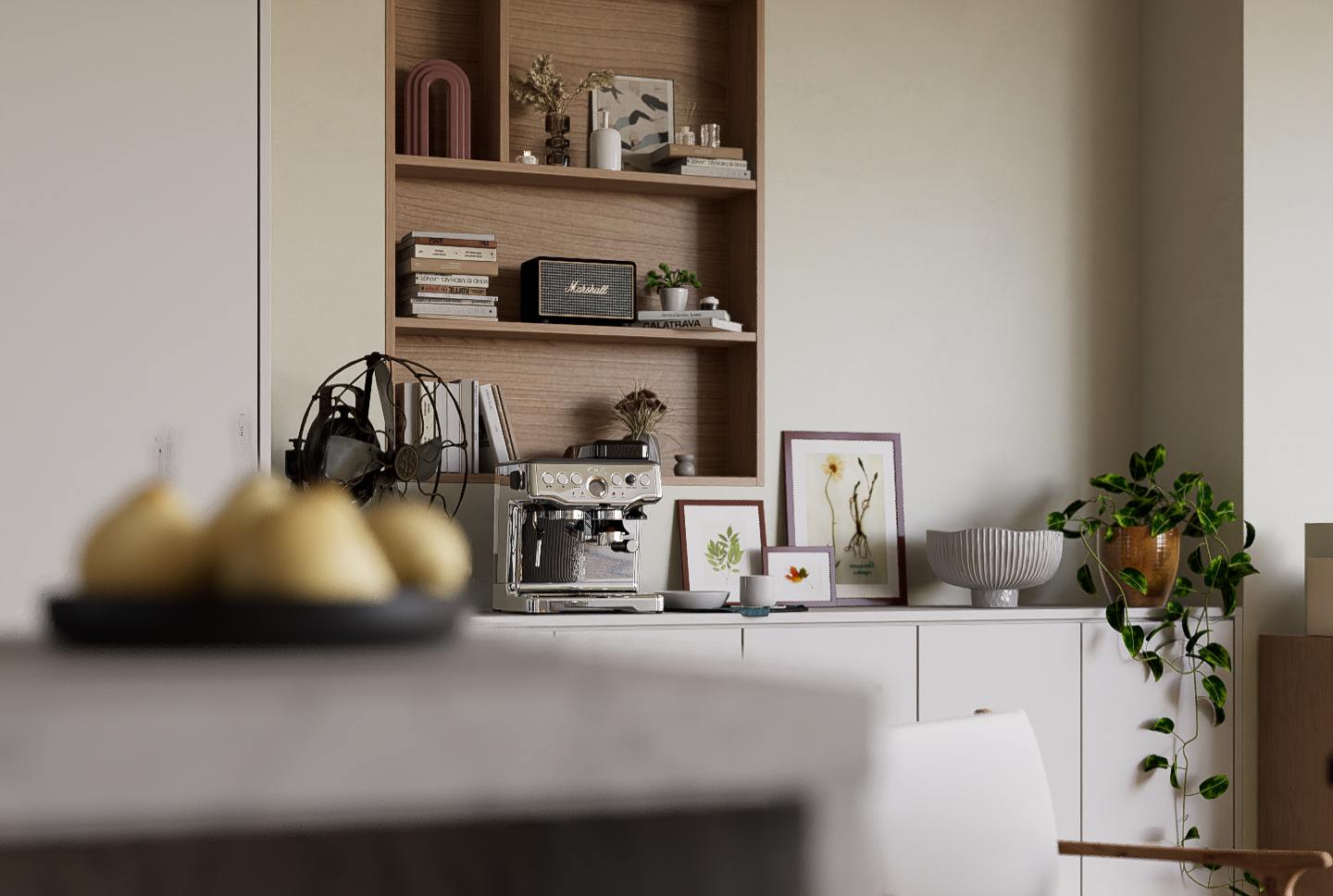
In the real world, when a camera focuses on an object at a specific distance, the surroundings become blurry, which leads the audience’s attention to the object. This is how Depth of Field works in photography.
In D5 Render, you can easily use Depth of Field to blur the background or the foreground and make the image become more layered. When used in combo with animation, it would create a stunning visual effect.

Basic practices of adjusting Depth of Field
Set focus and adjust Blur intensity
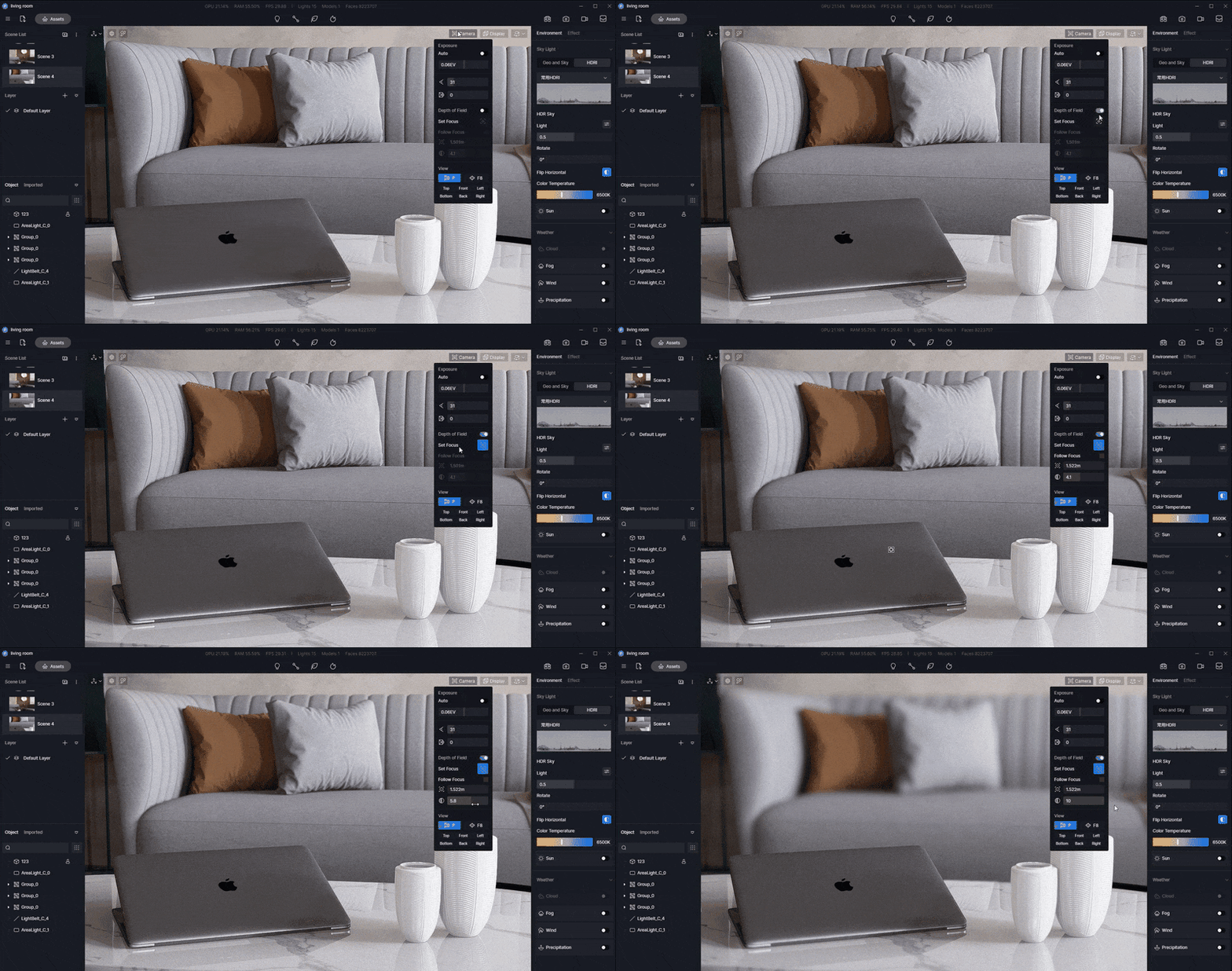
You can turn on Depth of Field in the Camera option in the upper right corner of the viewport. Select 포커스 설정 and click on the object which you want to focus on.
To make the background blurrier, you can increase the Blur intensity.
Please note that you can set only one focus for a scene.
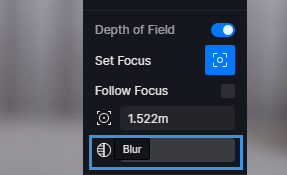
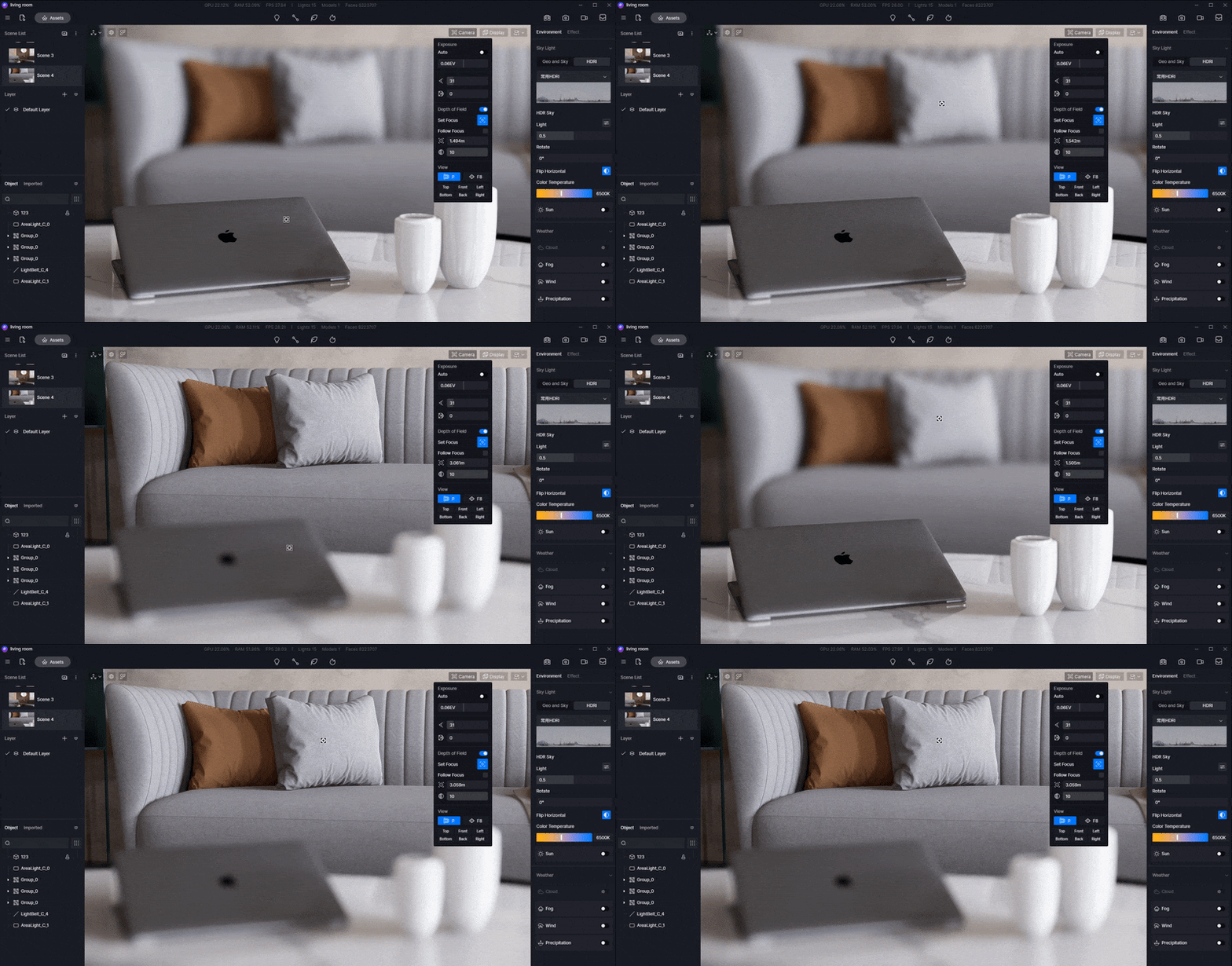
Follow Focus or set distance manually
When Follow Focus is turned on, the camera will always focus on the object you choose. This feature is of great help when you don’t want to lose the camera focus for the animation.
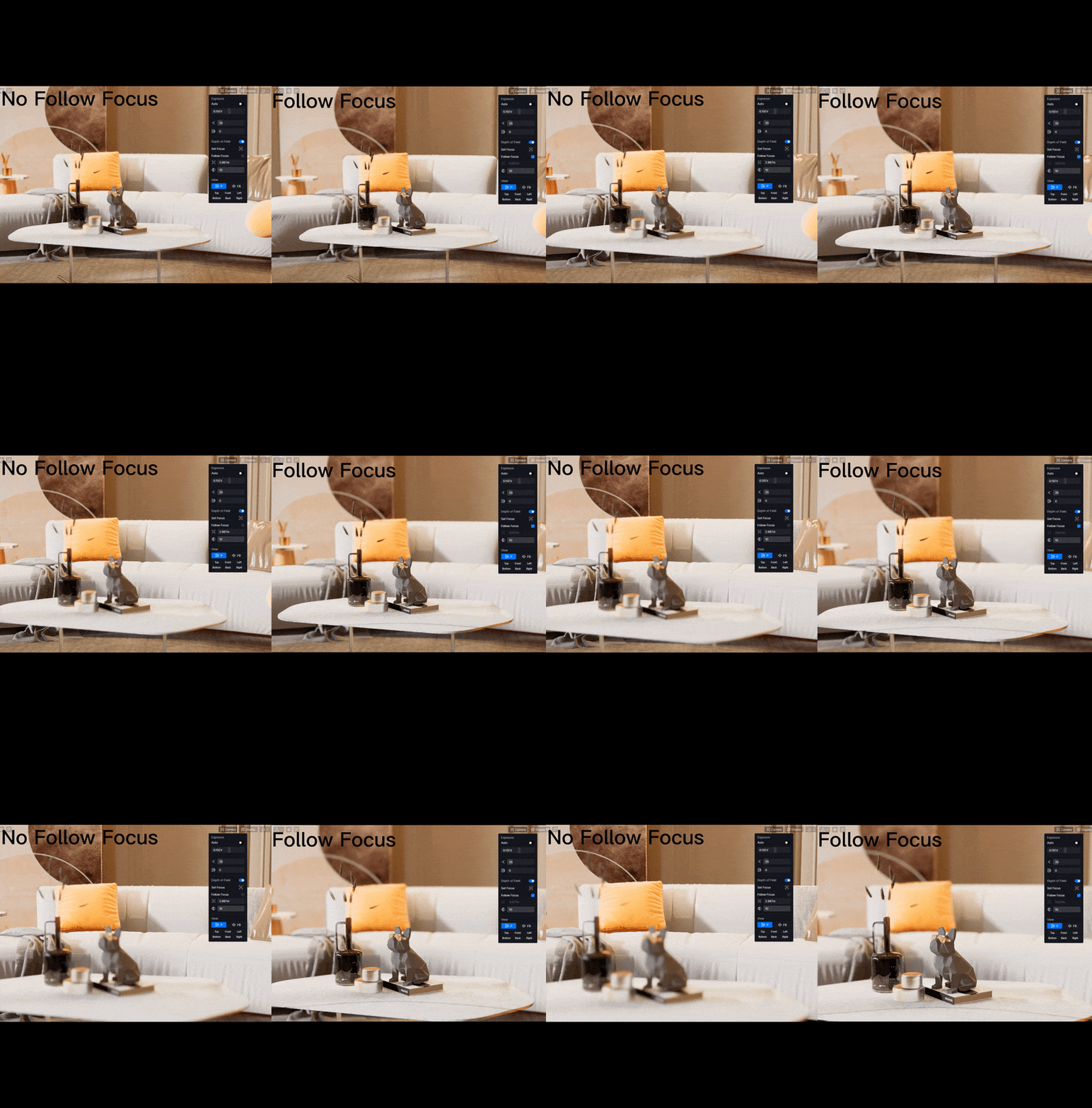
If Follow Focus is turned off, you need to adjust the Focus Distance manually. Please note that this parameter is not the focal distance in photography but a value to determine the distance between the camera and the vertical focus plane. It is usually used when you need to accurately tweak the focus position on an object.
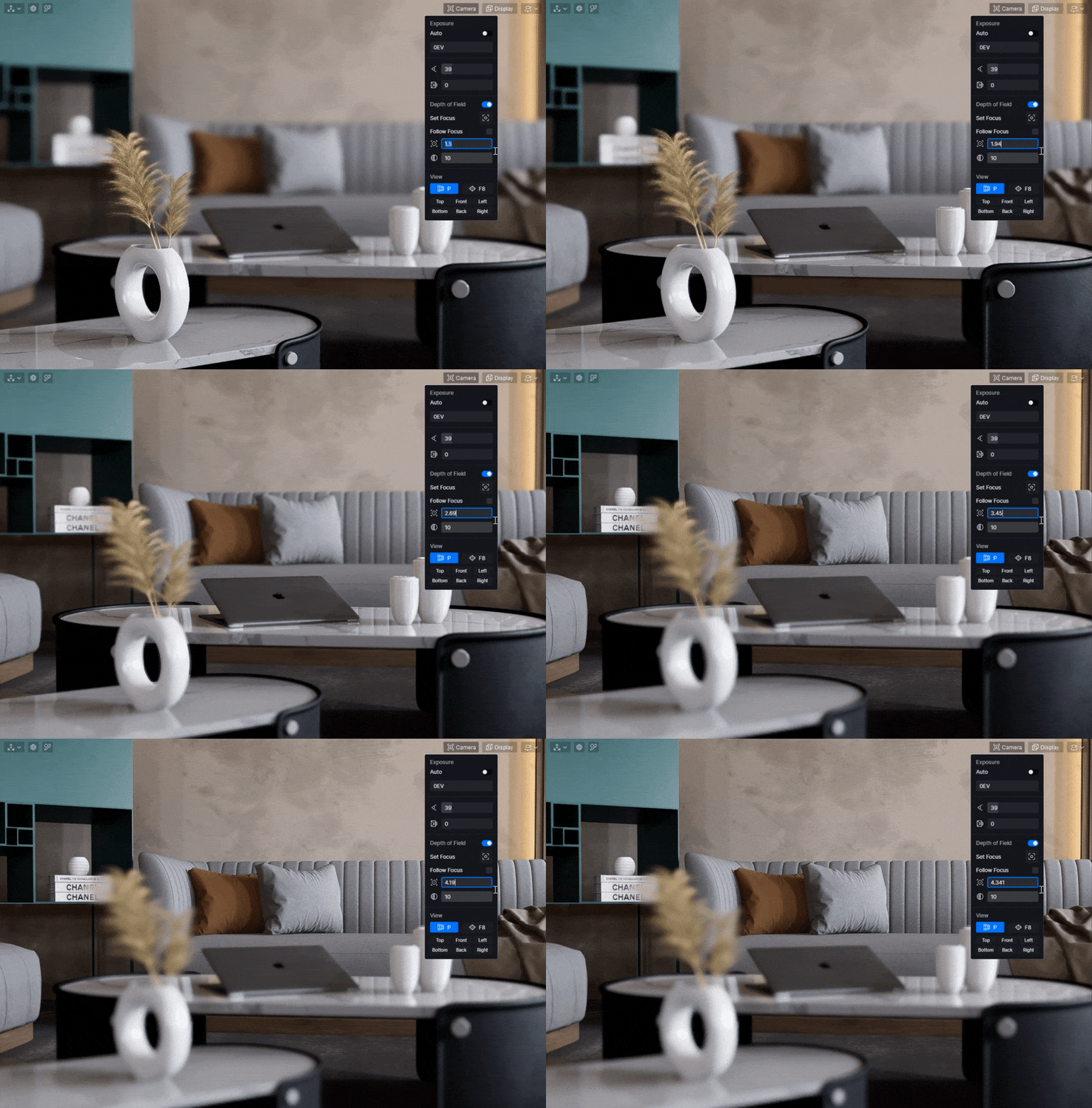
How to make a cinematic animation with Focus shift and DoF change
D5 Render makes it quite easy to create the photographic effects of Focus shift and DoF change commonly used in films.
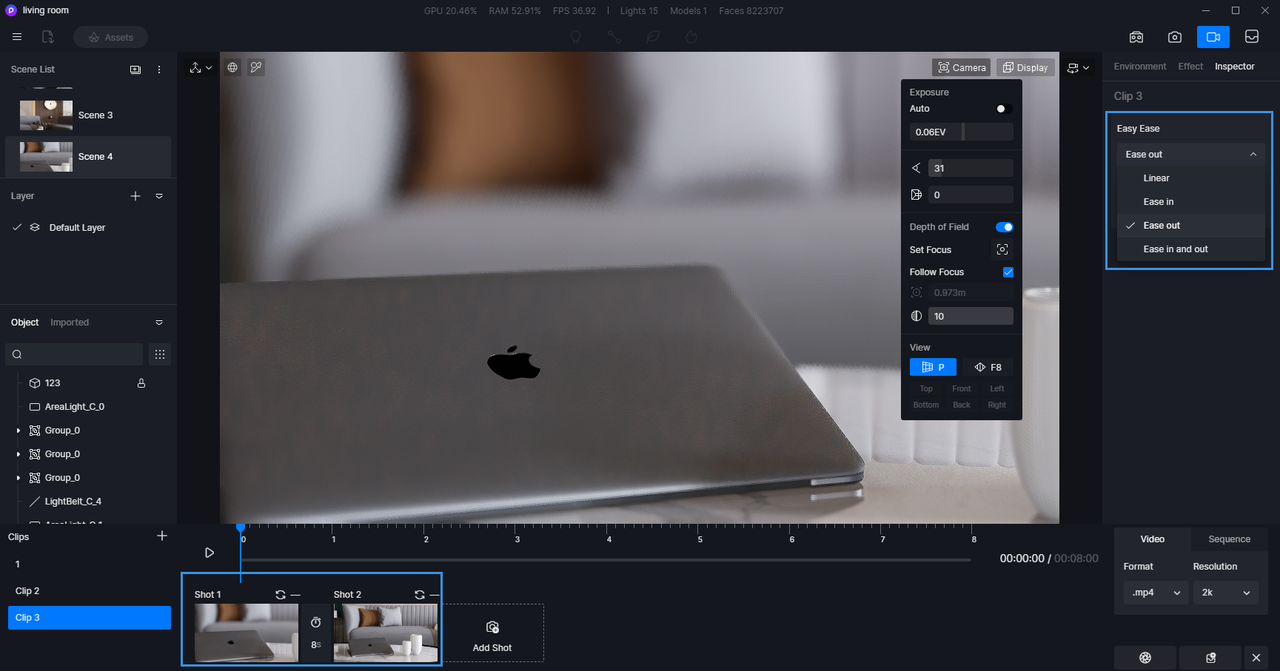
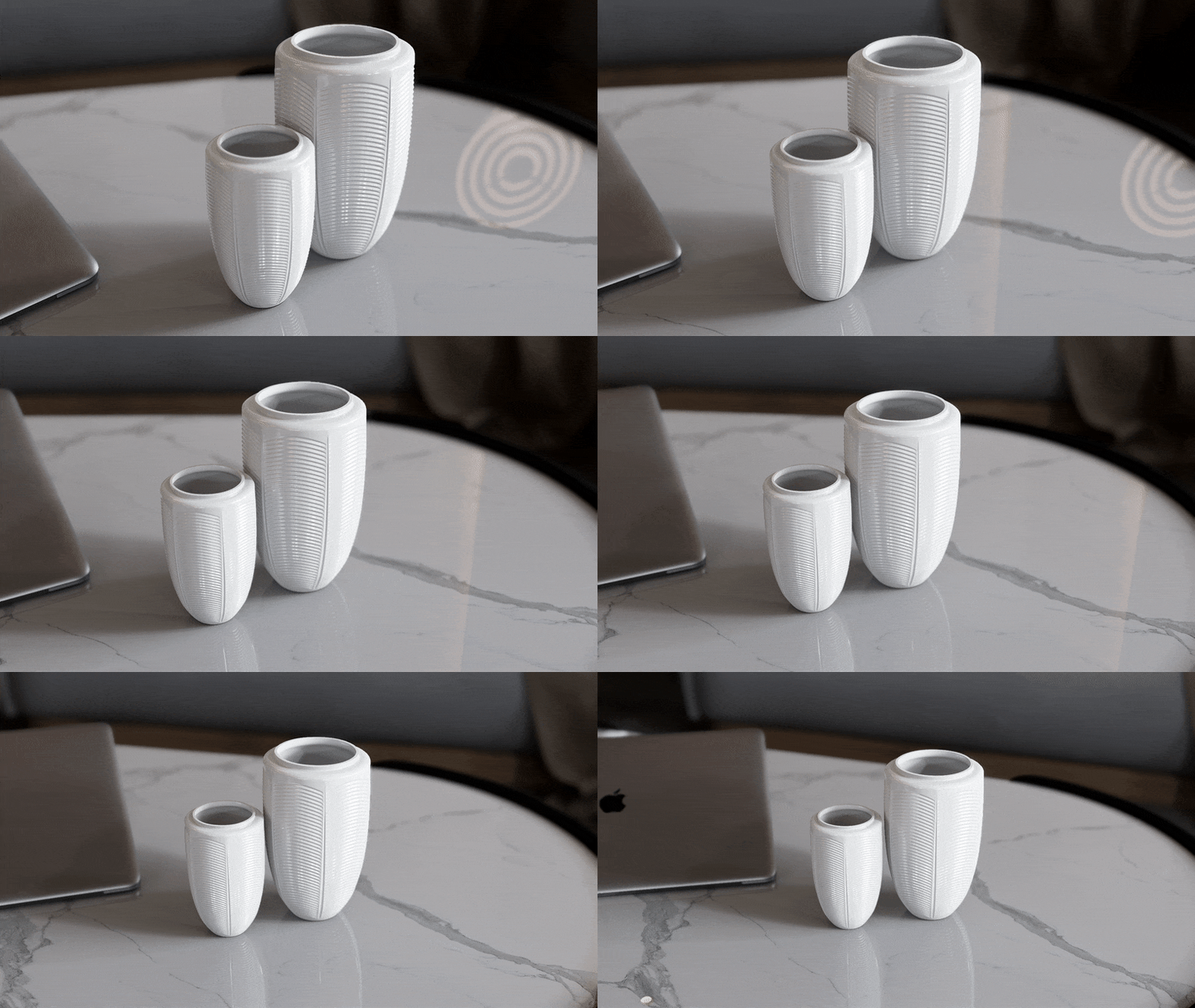
First add two or more shots to the timeline and set multiple keyframes with different DoF settings, including focus position and blur intensity (it is not recommended to turn on/off DoF directly in keyframes). Then you can add Easy Ease to work with DoF, making its change smoother.
Done! That’s all you need to do to create a gorgeous animation like this:

쇼케이스
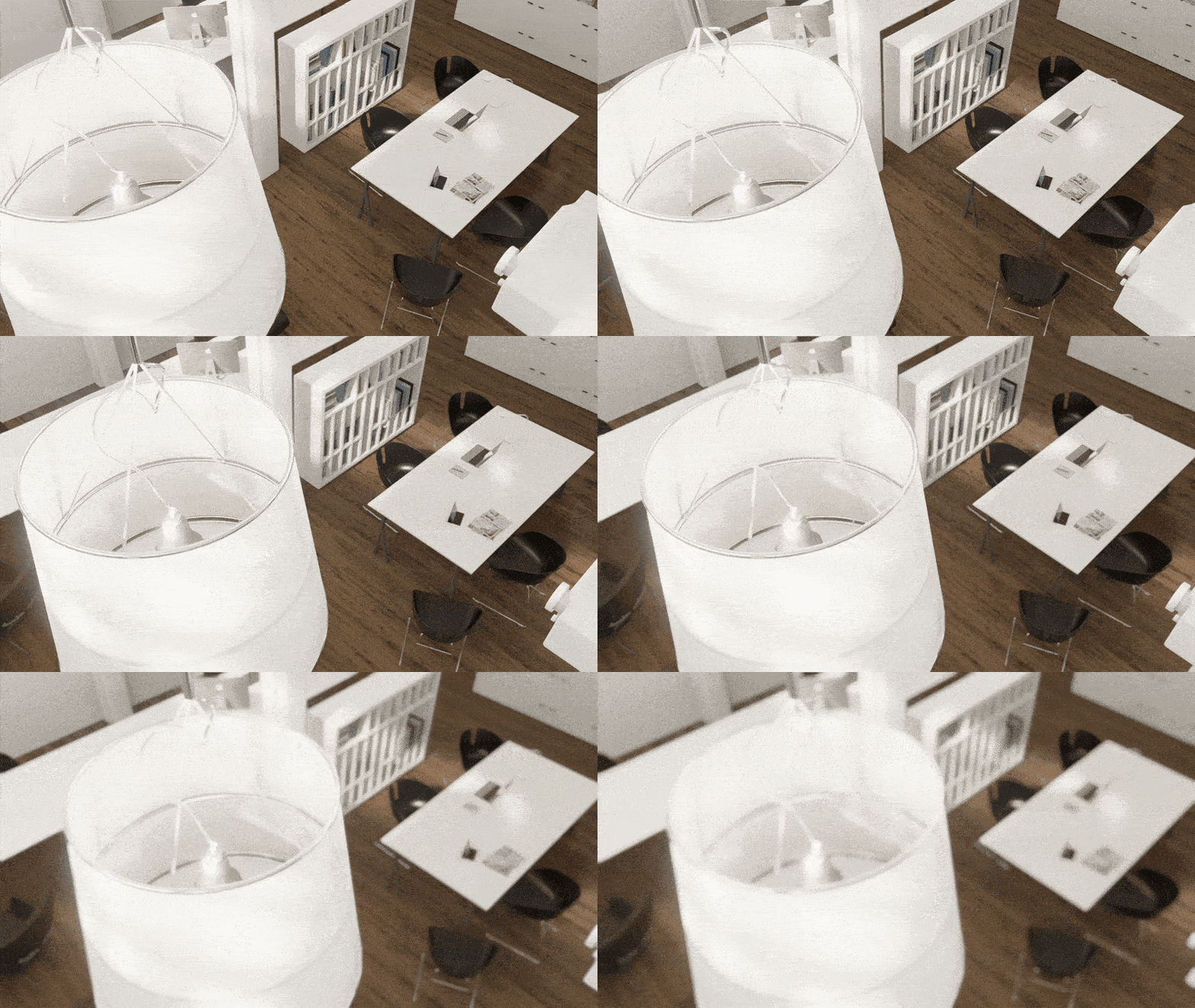
Download this scene file on D5 Forum for free



 English
 Español
 Français
 한국어
한국어 日本語
日本語