
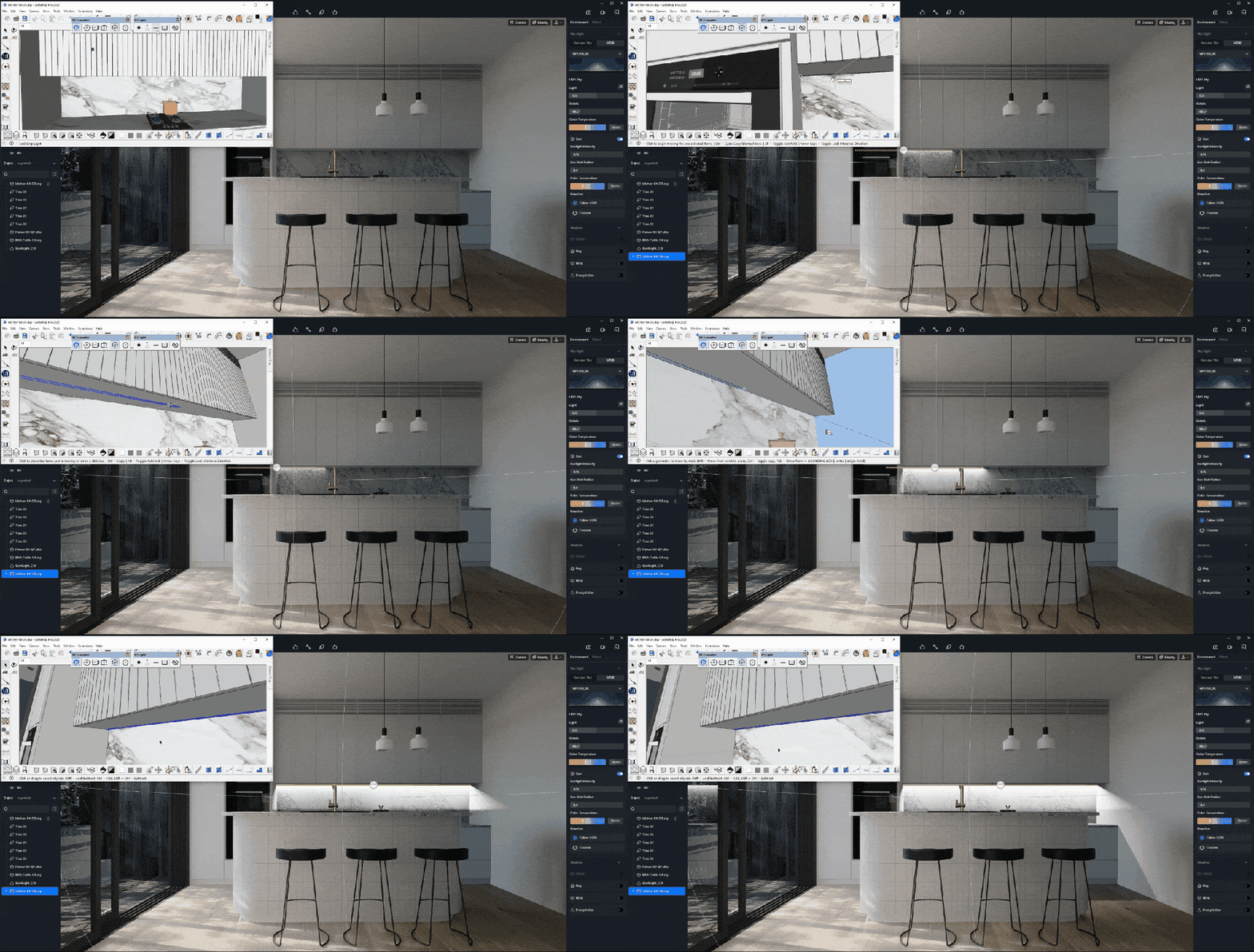
Tired of waiting hours for renders? Real time rendering changes everything—delivering instant visual feedback as you design. Tools like D5 Render harness this power, transforming slow, tedious workflows into fluid creative sessions. No more guessing how changes will look or wasting nights waiting for renders. With real time technology, what you see is what you get—immediately.
Key Takeaways on D5 Render’s Real Time Rendering
- Ditch the wait—real time rendering delivers instant visual feedback, letting you tweak lighting, materials, and designs on the fly instead of wasting hours (or days) on single-frame renders.
- Slash costs and hardware headaches—modern GPU-powered tools like D5 Render achieve cinematic quality without pricey render farms, running smoothly on mid-range PCs.
- Unlock creative freedom 〜と seamless live sync across design apps, enabling fearless experimentation (think real time material swaps and lighting adjustments) instead of rigid, time-draining workflows.

1. What Is Real Time Rendering?
Real time rendering is a game-changing technology that generates high-quality 3D visuals instantly—allowing designers, architects, and artists to see changes on the fly. Unlike traditional rendering, which can take hours (or even days) per frame, real time rendering delivers immediate feedback as you adjust lighting, 材料, あるいは カメラアングル.
Powered by modern GPUs, this approach enables interactive workflows—ideal for client presentations, design iterations, and virtual walkthroughs. Whether you’re fine-tuning a product prototype or visualizing architectural spaces, real time rendering eliminates waiting and unlocks creative flexibility.
ツールは D5 Render leverage this technology to streamline workflows, offering photorealistic results without the delays of offline rendering. Simply put: it’s an efficient way to bring ideas to life.
2. D5 Render: Next-Gen Real Time 3D Visualization
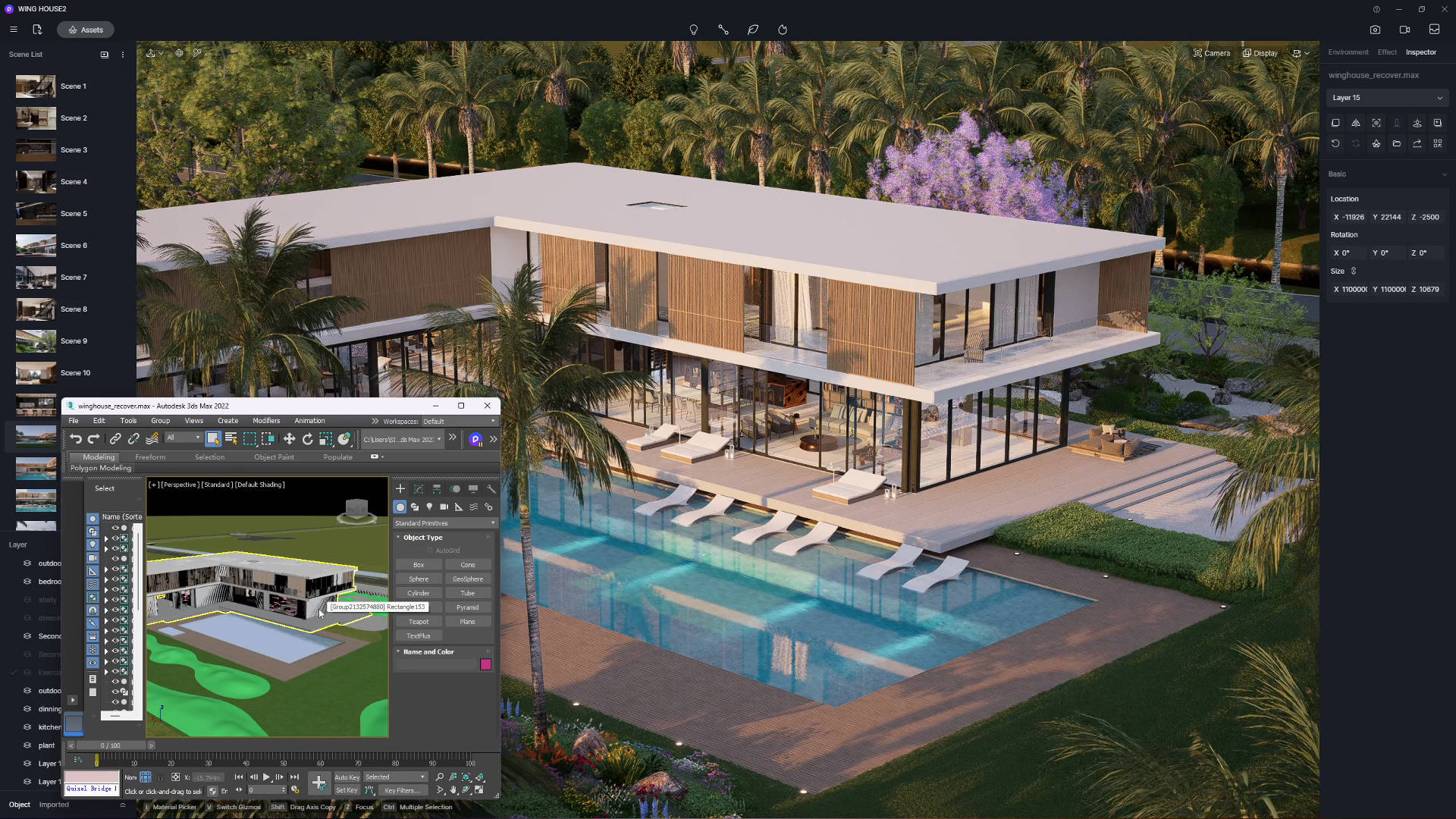
D5 Render is a cutting-edge real time rendering software designed for architects, designers, and 3D artists. Built for speed and photorealism, it transforms complex 3D models into stunning visuals instantly—no more waiting for renders to finish.
Unlike traditional tools, D5 uses GPU acceleration (like NVIDIA RTX) to deliver fluid, interactive previews while you work. It supports live sync with SketchUp, Revit, and other major CAD/BIM software, so changes appear in D5 immediately.
With features like レイトレーシング, AI denoising, and a massive asset library, D5 makes professional visualization accessible—even on mid-range PCs. Whether for 建築, interior, landscape, or product design, D5 combines power with simplicity.
3. From Traditional Pipeline to D5 Render’s Real Time Workflow: Solving Key Challenges
For years, designers and architects relied on traditional rendering methods—but they come with frustrating limitations. Here’s how real time rendering solves these pain points, with D5 Render leading the charge.
❶ The Waiting Game: Slow Turnaround Times
Traditional rendering creates massive workflow bottlenecks. A single high-quality architectural visualization could take 8-12 hours to render on a high-end CPU. Designers would queue up overnight renders only to discover issues in the morning, requiring another full cycle.
✅ D5 Render‘s Real Time Advantage: D5 Render’s GPU-accelerated engine eliminates this wait. The software maintains interactive framerates even with complex scenes. Lighting adjustments that previously required restarting renders now show instant visual feedback, allowing designers to make confident decisions in seconds rather than days.
❷ The Sync Struggle: Disconnected Design Workflows
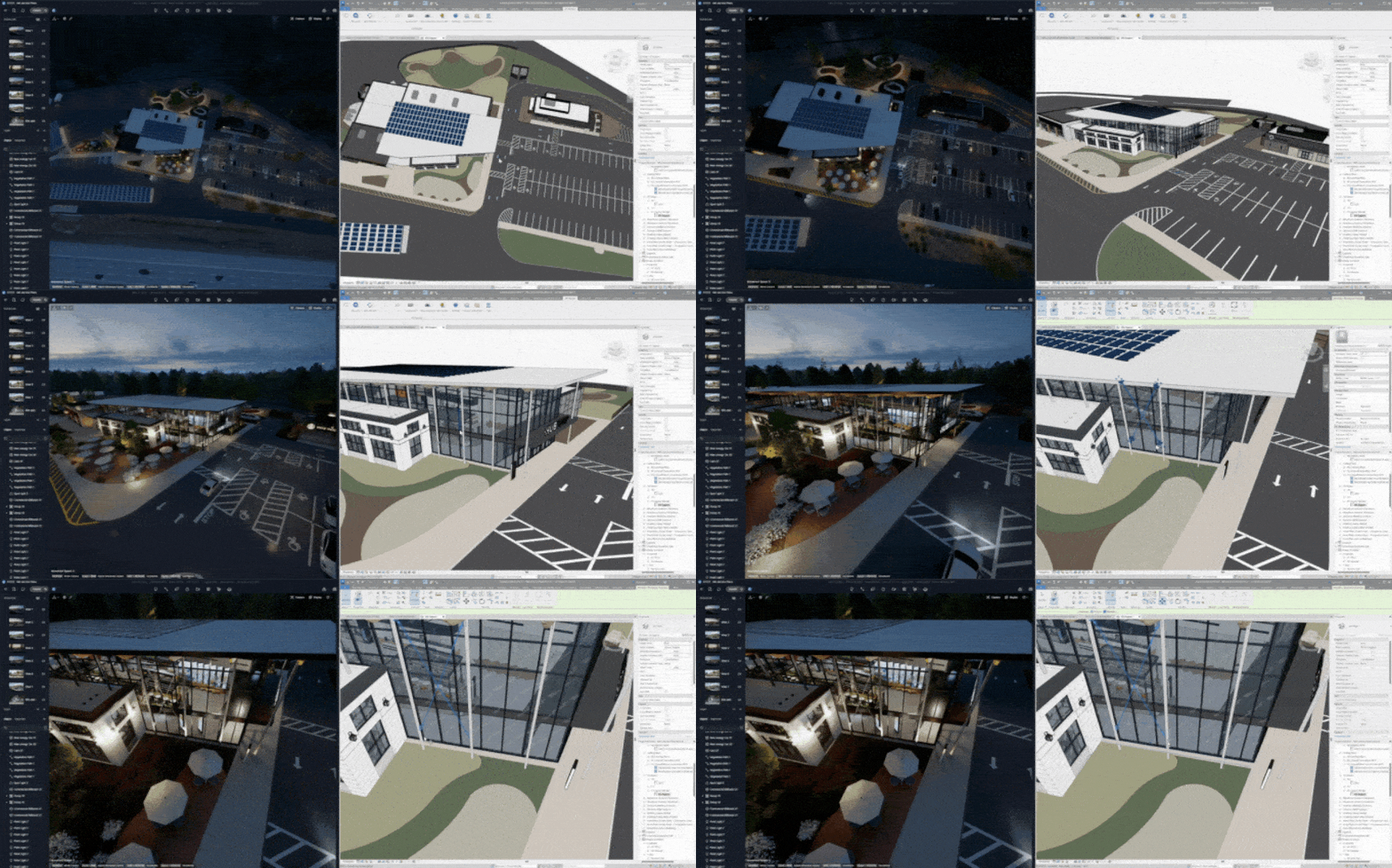
Working across multiple design apps? Traditional rendering forces tedious back-and-forth file exports between modeling software and render engines. Every small change means re-importing your model and resetting materials and lighting—wasting hours on busywork.
✅ D5 Render’s Real Time Advantage: D5 Render’s live sync plugins create a seamless bridge with SketchUp, Revit, 3ds Max and other modeling tools. Edit your model in any of these programs, and and D5 immediately reflects the updates in photorealistic real time visualization—complete with accurate lighting, materials, and カメラアングル. No more version conflicts or manual updates. Just a smooth, real time workflow that keeps your creative process flowing.
❸ The Creativity Killer: Inflexible Workflows
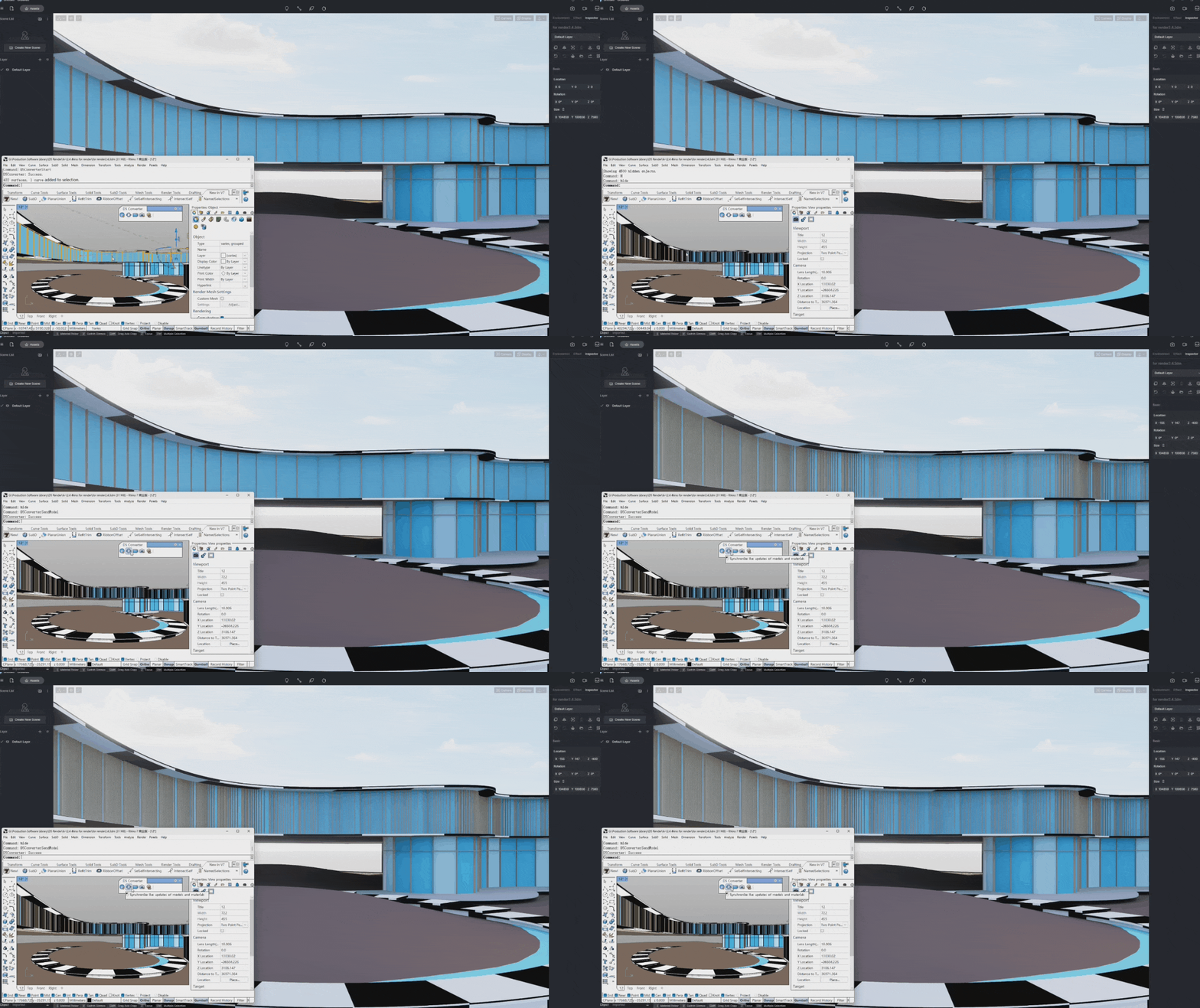
Traditional workflows punish experimentation. Changing a furniture material after rendering meant re-processing the entire scene – often adding hours of downtime.
✅ D5 Render‘s Real Time Advantage: The software maintains full scene interactivity regardless of changes. Designers can:
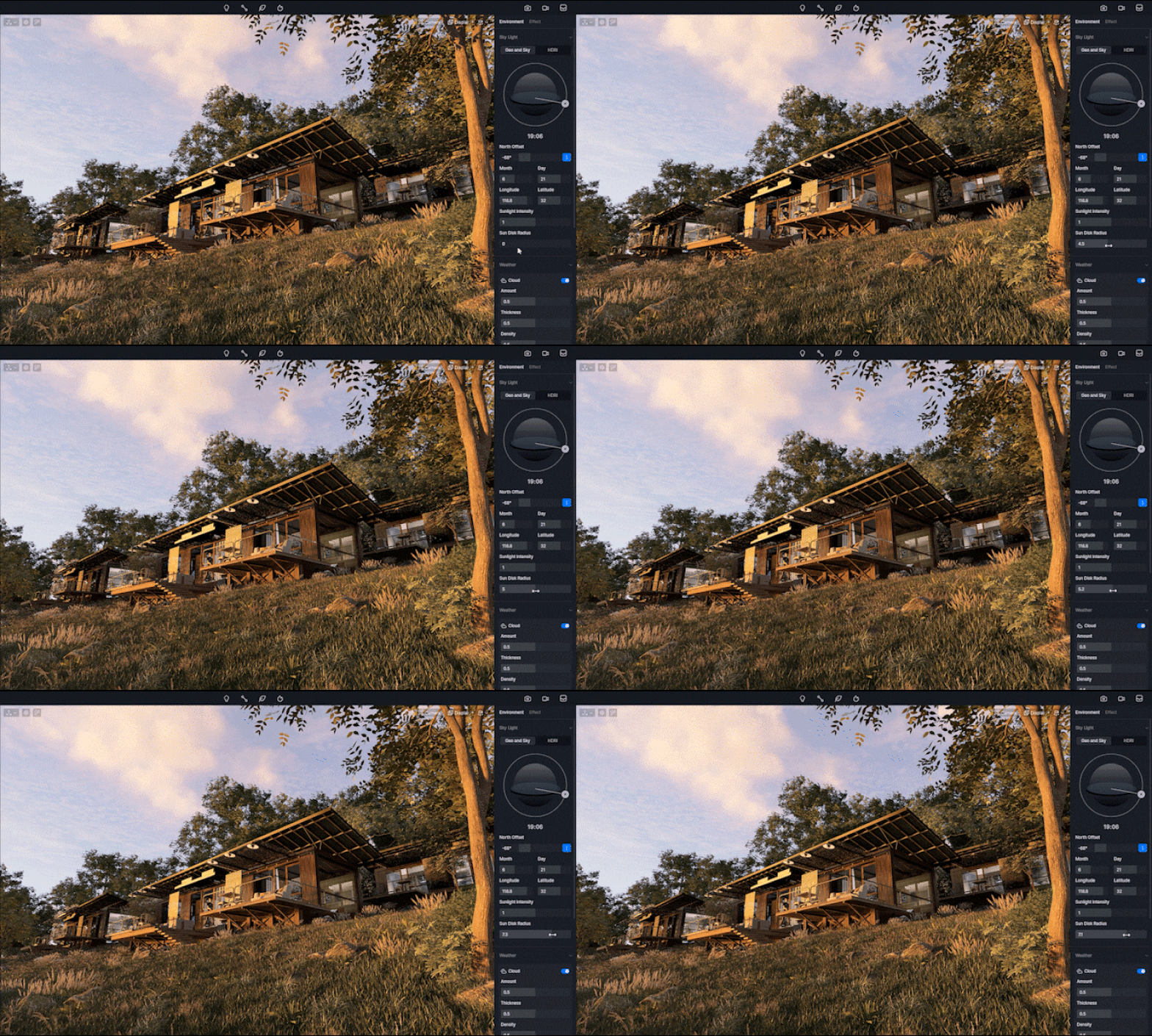
- Swap entire material libraries in real time
- Adjust HDRI lighting with a slider
- Toggle weather effects すぐに
This freedom encourages creative exploration rather than playing it safe.
4. Tips to Get Started with D5 Render
Ready to experience real time rendering? Here’s how to quickly master D5 Render—no advanced skills required.
① Try It for Free
D5 Render offers a powerful free Community Edition loaded with professional-grade features. Download it directly from the D5 official website or simply click the image below to get started. Experience real time rendering firsthand—either with your own projects or using our pre-built demo scenes. Perfect for architects, designers and 3D artists, this trial version lets you test critical capabilities including live ray tracing and seamless synchronization with major modeling software like SketchUp and Revit.
② Learn with Beginner-Friendly Resources
New to real time rendering? D5 Render prioritizes accessibility with these beginner-friendly resources:
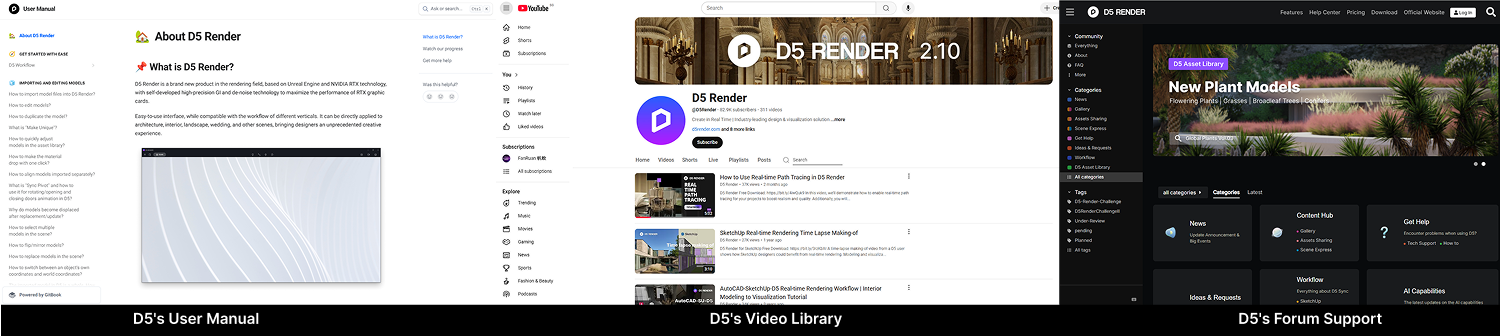
- D5’s User Manual: D5’s comprehensive user guide clearly explains interface basics, material adjustments, and lighting configurations. It also includes a well-organized FAQ section covering common usage questions and tips.
- D5’s Video Hub: The official D5 YouTube channel offers hundreds of targeted tutorials, from interior lighting to landscape design techniques.
- D5’s Forum Support: Need help? D5 Render’s active forums offer instant support from experienced users and developers. Search solved threads for quick answers, pro tips, or to report issues.
Tip: Check existing posts before asking!
③ Master Advanced Workflows
Once comfortable, dive deeper:
- Sync with Leading Design Software: Seamlessly connect D5 with SketchUp, Revit, Rhino, 3ds Max, Archicad, C4D, Vectorworks そして Blender for live model synchronization. Make changes in your CAD/BIM software and watch them instantly appear in D5—no manual re-exporting needed.
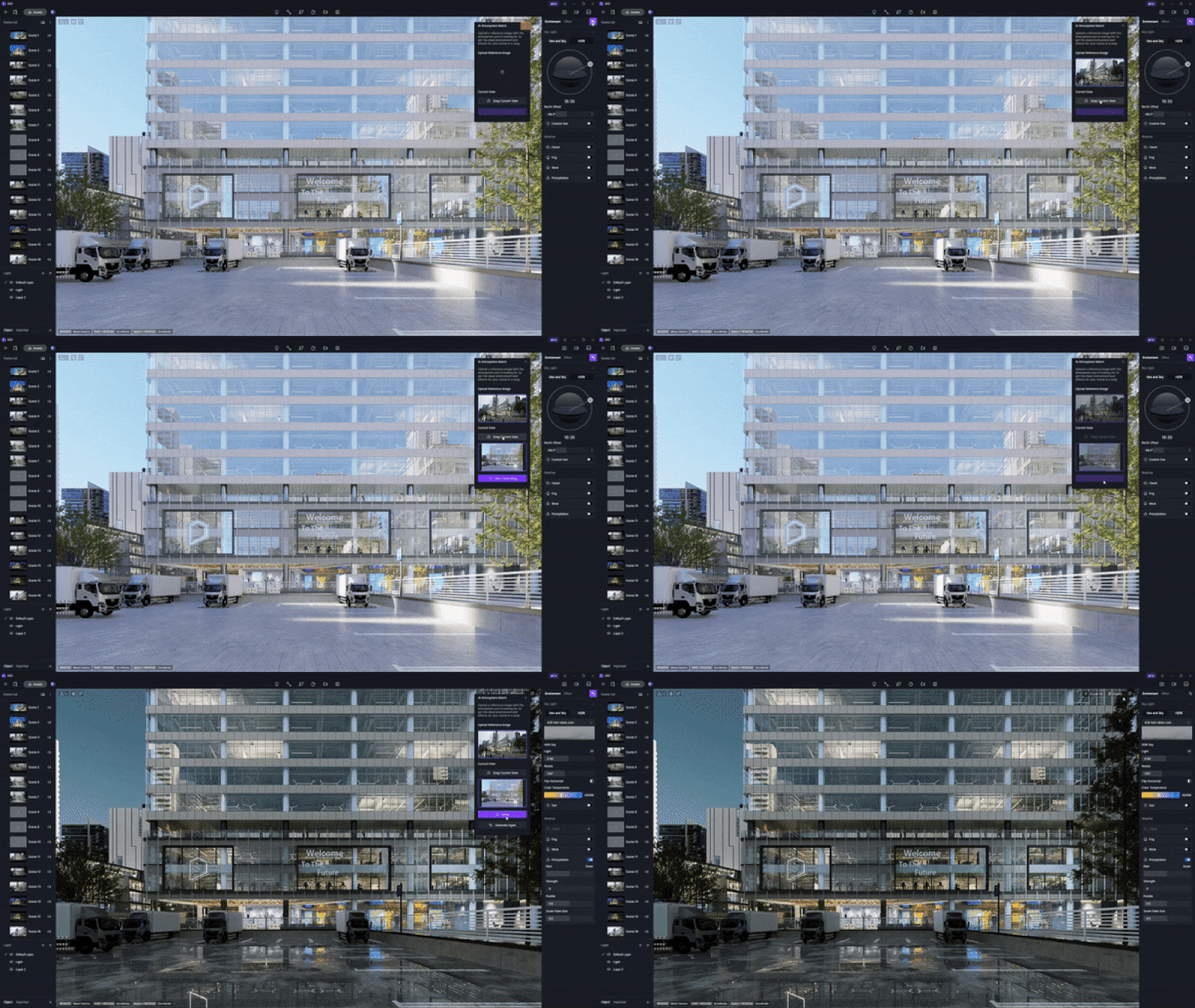
- Supercharge workflows with D5’s AI: Use D5’s AI tools to automatically generate texture maps, match atmospheres from reference images, and enhance image details, streamlining your workflow and boosting realism.
ニュース: Stay tuned for D5 Render 2.11 – we’re adding even more AI-powered features to revolutionize your real time workflow!
- Powerful Animation Tools: Create high-quality animations with D5’s video editor, camera path tools, and real time previews. Produce smooth walkthroughs and flyovers, rendered in up to 4K resolution.
5.結論
Real time rendering isn’t just the future—it’s the present. By eliminating tedious waits, hardware constraints, and workflow bottlenecks, tools like D5 Render empower designers to work faster, smarter, and more creatively. Whether you’re visualizing architecture, refining products, or creating animations, real time rendering delivers instant feedback and photorealistic results without compromise.
ワークフローを変革する準備はできましたか? D5 Renderをダウンロード and experience the difference today. The era of waiting is over—welcome to the age of real time creativity.
続きを読む D5 Renderのその他の機能
グローバルイルミネーションとは何か、そしてなぜそれが必要なのか
D5 Render 2.10におけるリアルタイムレイトレーシングとは何か、そしてなぜ重要なのか?
D5 Render 2.10 BetaはNVIDIA DLSS 4を統合: リアルタイムレンダリングにおけるAI革命
D5 Render Terrain Toolによる建築景観のマスター >
D5 Render で AI を活用したライティングをマスターし、リアルな ArchiCAD ビジュアライゼーションを実現する
Faqs on D5 Render’s Real Time Rendering
❶ Does D5 Render Require High-End Hardware for Smooth Performance?
No! While GPU acceleration (e.g., NVIDIA RTX) enhances performance, D5 Render is optimized to run well on mid-range PCs, reducing the need for expensive hardware.
❷ Can I Achieve Photorealism Without Waiting Hours?
Yes! D5’s real time ray tracing and vast material library help achieve high-quality visuals instantly, unlike traditional CPU rendering delays.
❸ How Do I Fix Lag When Working with Large 3D Scenes?
Optimize models (reduce polygons), Use D5 Render’s built-in asset library, and leverage LOD (Level of Detail) settings—D5 handles complexity efficiently with GPU acceleration.
❹ Is It Hard to Learn D5 Render Compared to Offline Renderers?
No! D5 offers tutorials, AI-assisted workflows, and an intuitive interface, making real time rendering easier to adopt than traditional renderers.


 English
 Español
 Français
 한국어
한국어 日本語
日本語