


D5 Render VS Twinmotion:
Which is the Better Choice?

D5 is the #1 3D Rendering Software on G2, trusted by millions of designers worldwide. See why Architects, Landscape Designers, and Visualization Professionals are switching to D5 as the best alternative to Twinmotion. Try it today and make your job easier!

8/10 of the World’s Largest Architecture Firms Use D5

D5 Render vs. Twinmotion

It's free! Install in less than 3 minutes!

D5 Has the Best Native Library for
Architects & Designers

D5 Render vs. Twinmotion

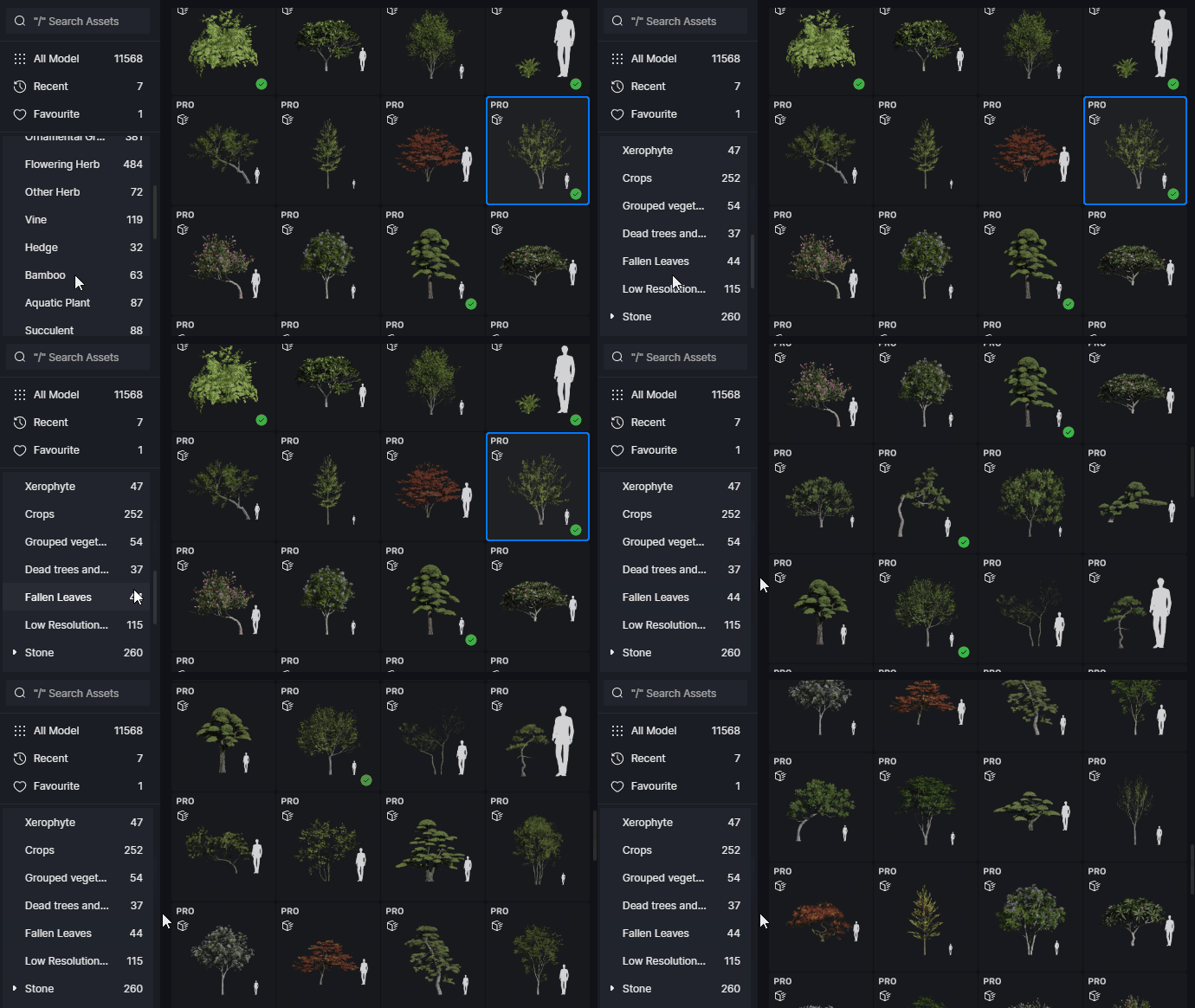
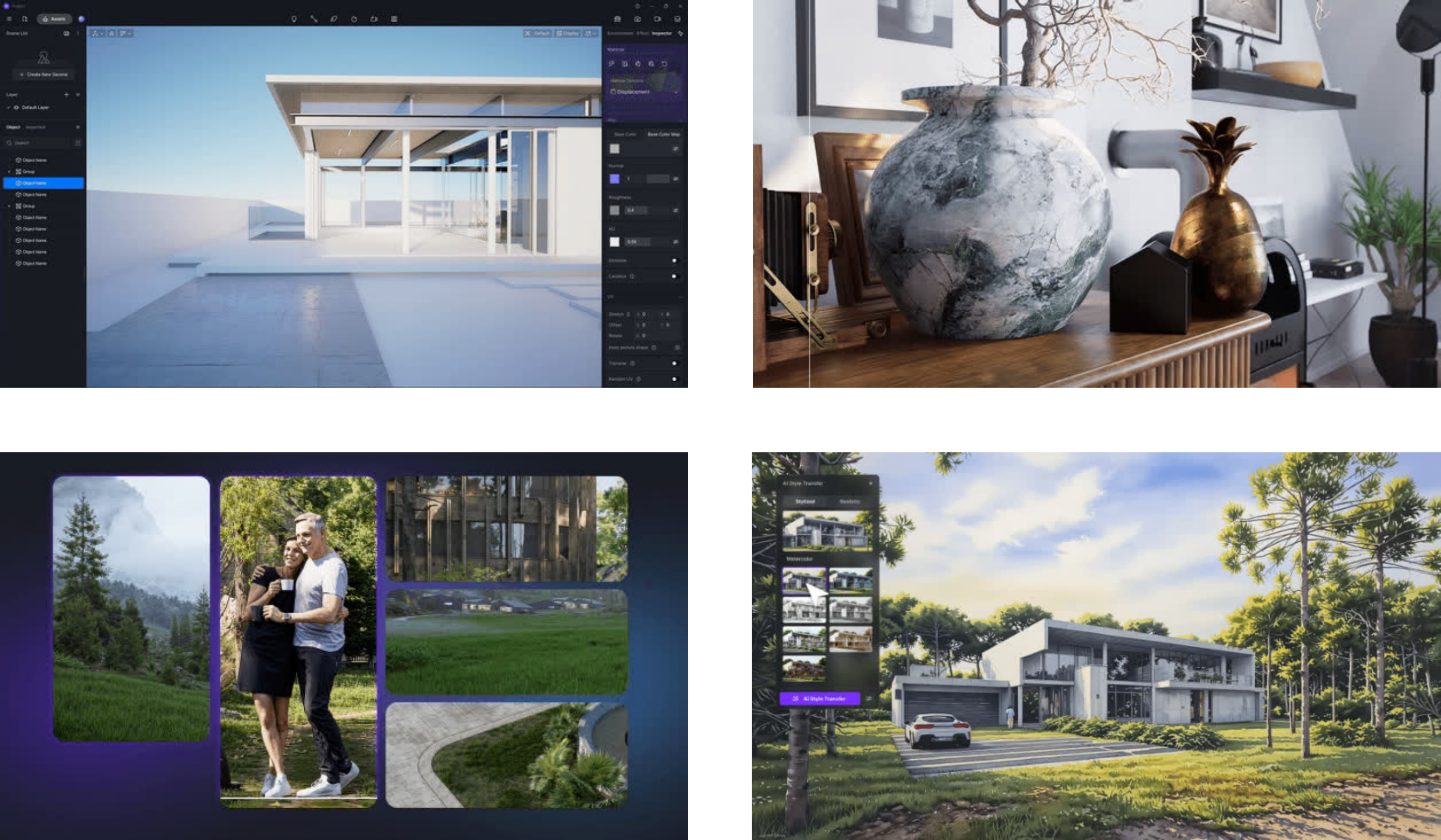
Access an extensive library of 14,000+ high-quality assets, including a vast selection of realistic vegetation, with every plant type and species you need — everything is accessible at a glance, no digging around needed.

3X Faster

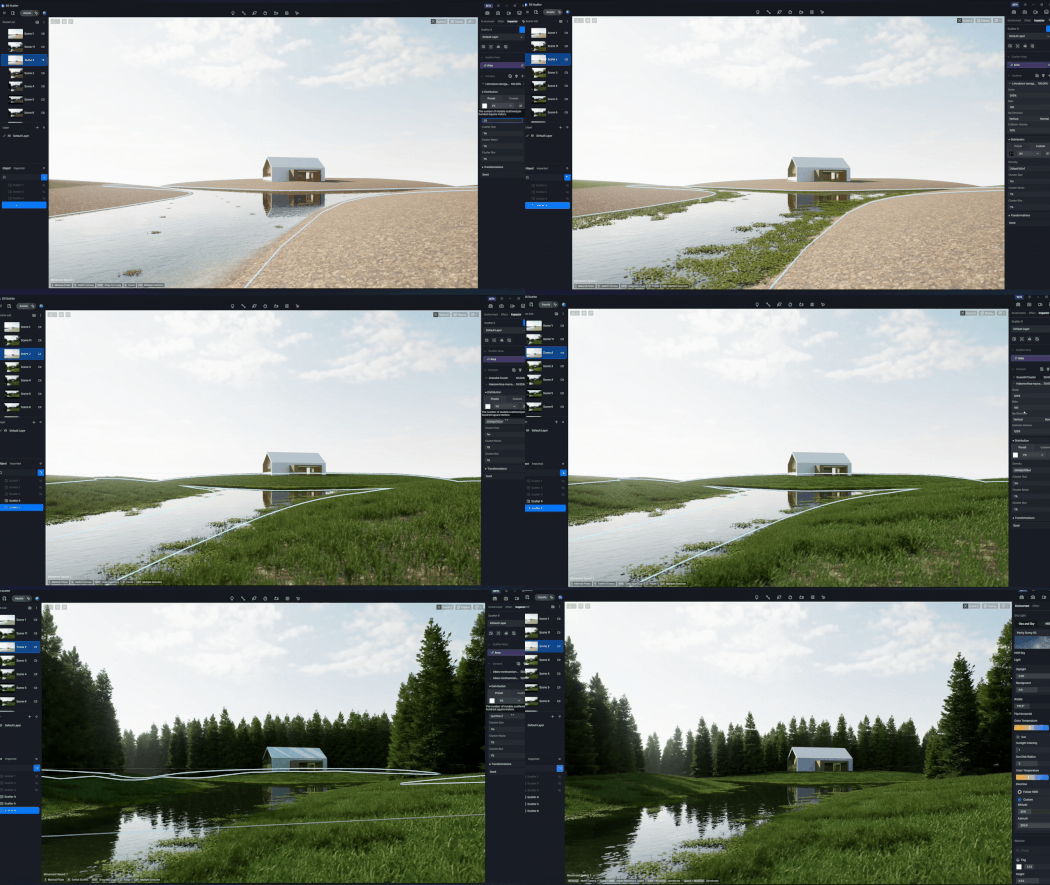
with D5 Scatter for creating natural-looking landscapes in a few clicks.

D5 Render vs. Twinmotion

D5 Has the Best Native Library for
Architects & Designers

D5 Render vs. Twinmotion

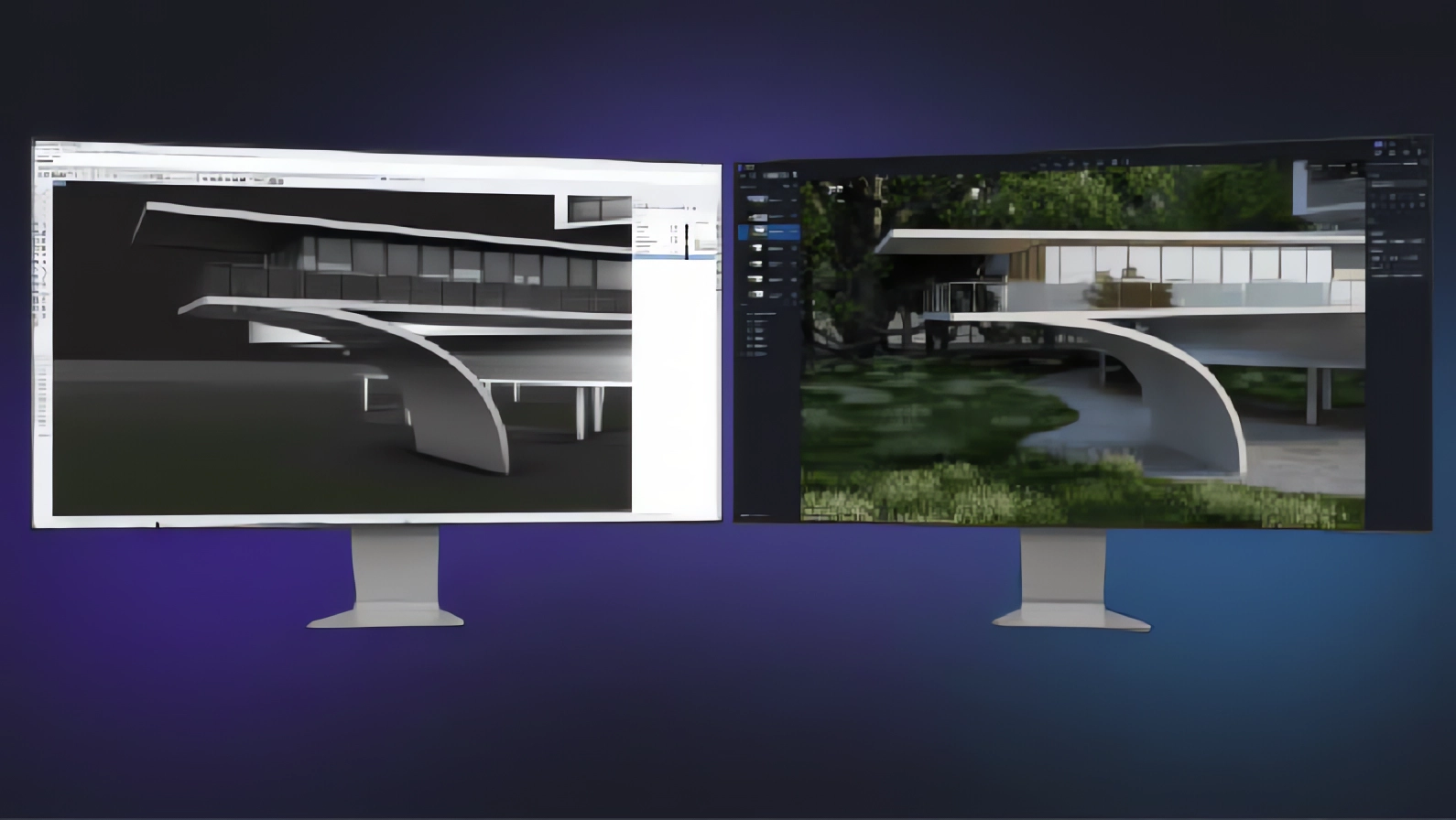
Effortlessly connect your favorite modeling software with D5 using the Auto Livesync. Make changes to your model, and see them instantly reflected in D5—no delays, no manual updates.

A “what you see is what you get” real-time viewport that keep you focused on your creative vision.

D5 Render vs. Twinmotion

The Industry's 1st AI-integrated Solution

From AI-generated ambiance and smart material generation to upscaling:
8 Efficiency-Boosting AI Features (and Counting)

D5 Render vs. Twinmotion

The Industry's 1st AI-integrated Solution

D5 Render

Twinmotion

One-click round corner

One-click presets

Environment & effect
scatter
brush/path
terrain
camera movement

Scene

Batch import PBR materials

Models with editable materials

Stylization

AO
Z Deptrh
Outline
Clay
AI Style Transfer(watercolor,
cartoon,sketch, etc.)


Clay
Blueprint
etc.

Render element

Material ID
AO
Reflection
Transparent
Z Depth
Alpha
AI Postprocessing

Render layers

3D Spacemouse support

(Not for Mac)

Collaborative workflow

Ease of use(rated on G2)

9.4

8.7

Effortless Video Rendering

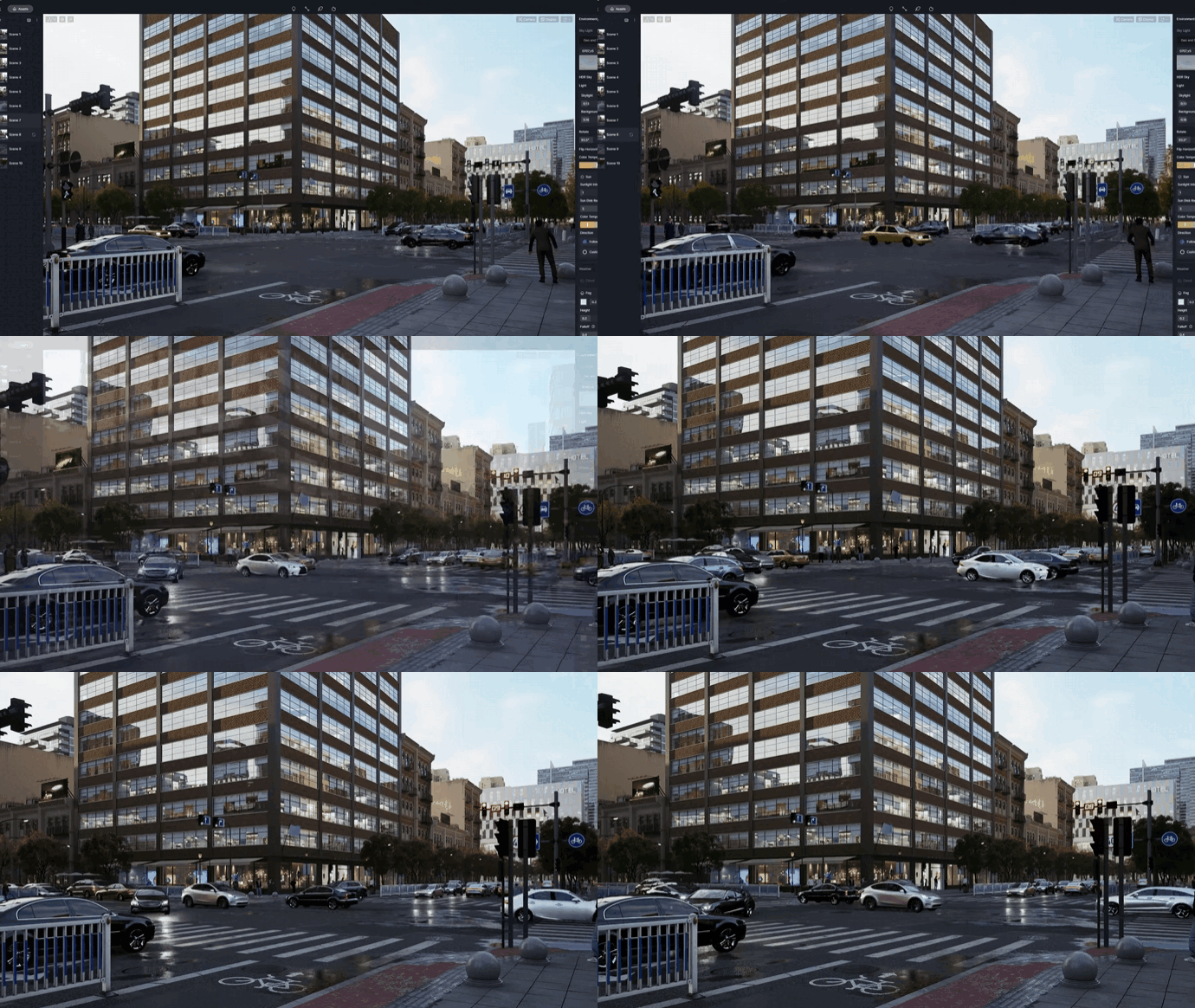
From basic walkthroughs to advanced camera movements, D5 takes the hassle out of video creation with zero frustration—no guesswork, no crashes,no stuggling with keyframes, just stunning results in record time.

D5 Render vs. Twinmotion

D5 Render

Twinmotion

Editable camera path

Picture-in-picture camera

Camera path import

Phasing animation feature

Ease in/out transitions

Importing camera movement

FBX animation import

Particles

110

8.7

Transparent multi-media material

Animated human models

588

588

Ease of use(rated on G2)

9.4

8.7

Effortless Video Rendering

ANDY CHRISTOFOROU, AIA, NCARB
ANDY CHRISTOFOROU, AIA, NCARBKPF
" D5 is the tool that aligns most with our team. It really has been a transformative addition to our design workflow."

DEVIN KIMME, AIA, ASLA
DEVIN KIMME, AIA, ASLAKIMMEL STUDIO ARCHITECTS
"D5 allows me to be an architect who also happens to do great visualization. My day’s much more enjoyable I get to focus on things I want to focus on."

MICHAL
MICHALSPOTLIGHT STUDIO
"Having tested all the alternatives, D5 proved to be the right tool that’s ‘high speed, low drag’. Switching to D5 was the best decision I ever made."

Ready to Flow?

Contact us

General Inquiries: contact@d5techs.com

Marketing: marketing@d5techs.com

Team Solution Inquiry: sales@d5techs.com

Technical Support: support@d5techs.com

Office Hours: Monday to Friday, 10:00 to 18:00 (GMT +8)



