
D5 Render for C4D| Real-Time Rendering Workflow
Connect C4D and D5 Render with D5 Sync to enjoy efficient workflow.
* D5 Sync supports Cinema 4D 20 to 26 and 2023 to 2026.
D5 Sync is a live-sync plugin to link Cinema 4D to D5 Render. To run it, please intall D5 Render first.
Why choose D5 Render for C4D
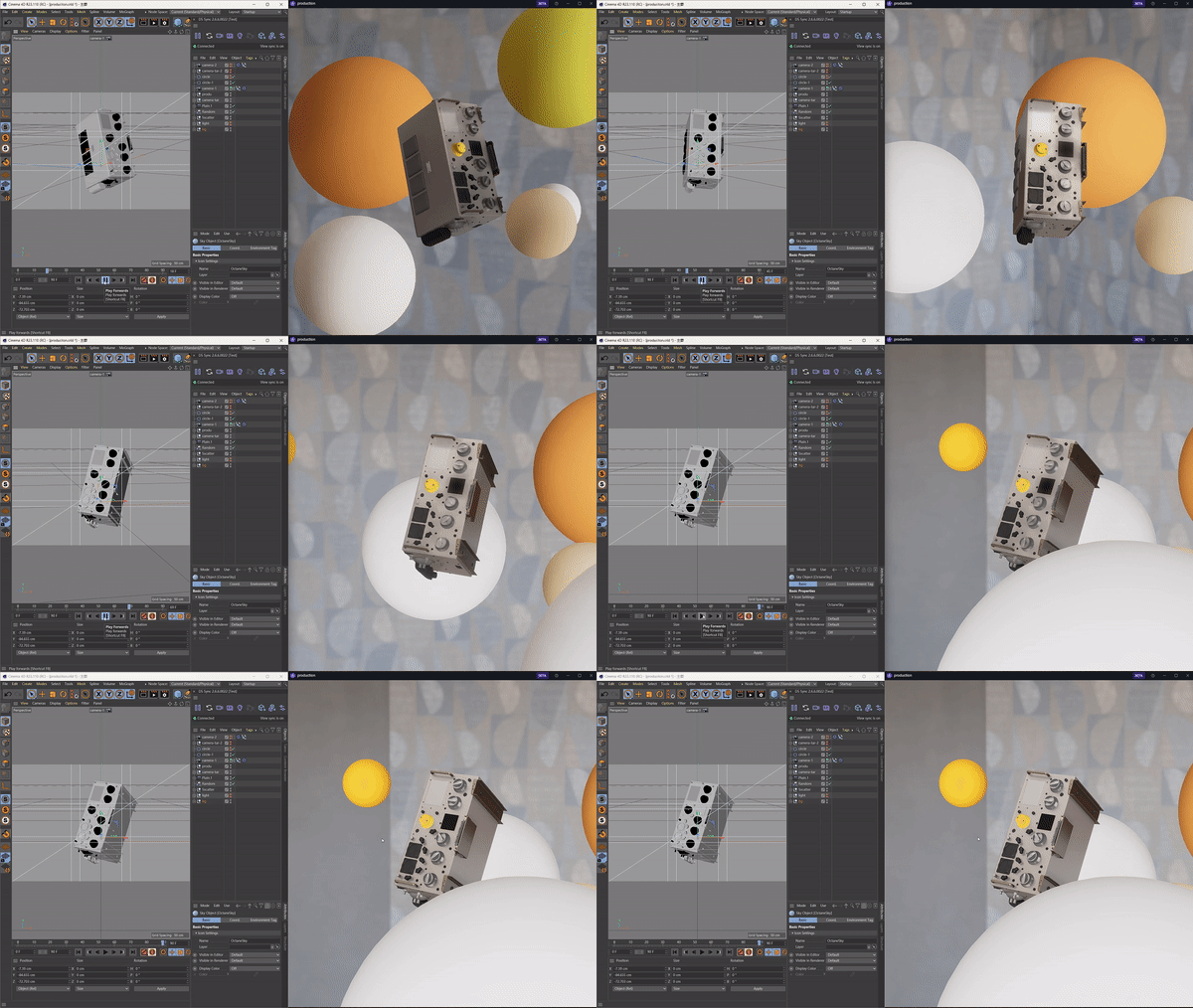
Live Link for Instant Feedback
D5 Sync for C4D offers seamless real-time sync between C4D & D5 Render. Instantly update geometry, materials, & cameras – no manual export/import needed! Enjoy full visual fidelity & a fluid workflow from concept to photorealistic render.
Alembic Animation Compatibility
C4D users can export animations via Alembic (.abc) to D5 Render, preserving motion data for complex deformations & sequences - ideal for architectural walkthroughs & VFX previews.
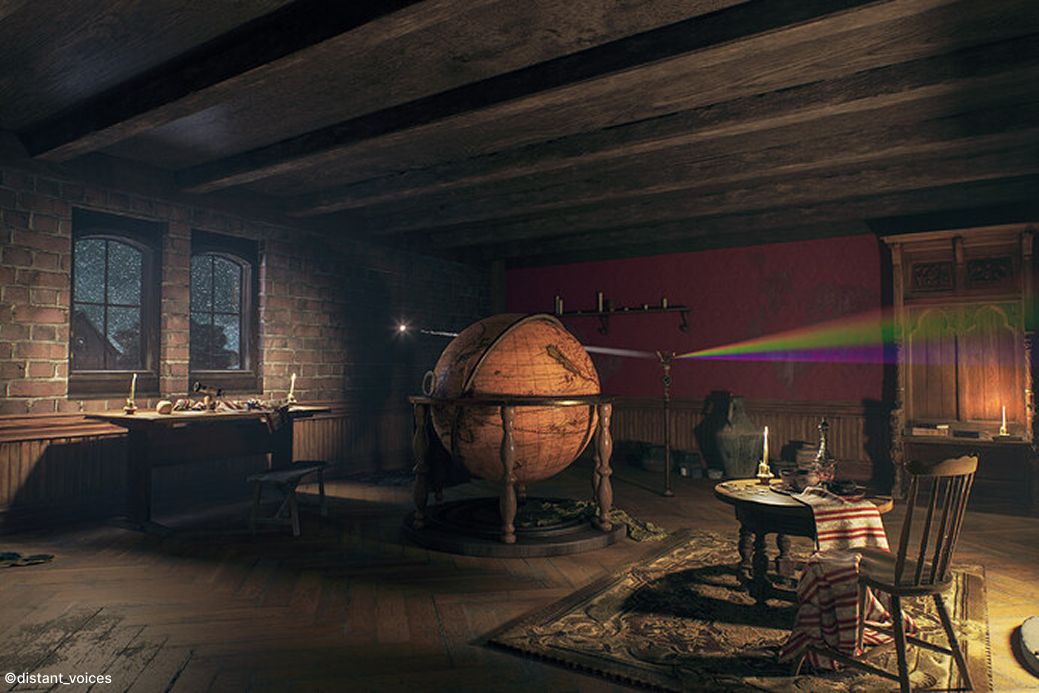
Access to a Massive Asset Library
D5 Render provides instant access to a massive 16,000+ asset library (trees, furniture, etc.). Effortlessly drag-and-drop to enrich your scenes within D5. Streamline asset integration for faster, intuitive visualization.

AI-Powered Tools for Creativity and Productivity
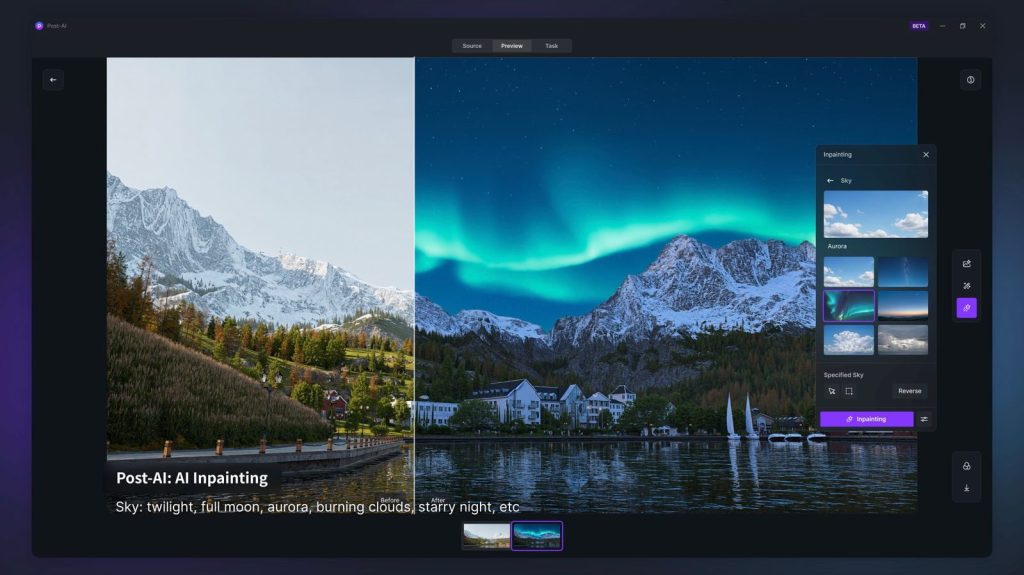
D5 Render integrates AI tools like Style Transfer & Inpainting. This streamlines workflows, maintains visual consistency, and lets you focus on design while D5 intelligently enhances scenes for smarter, efficient rendering.
Fast & High-Quality Rendering
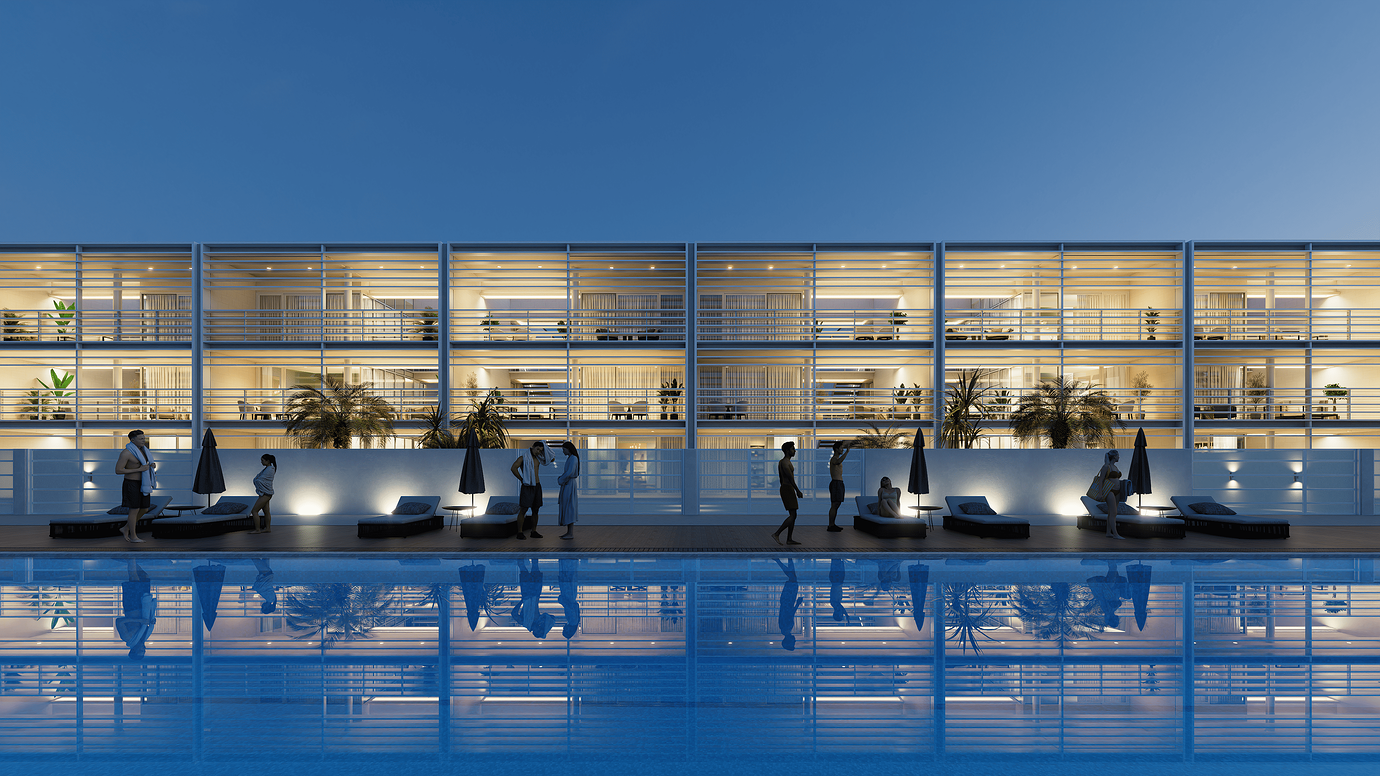
D5 Render leverages GPU rendering for fast, high-quality visuals on complex models. Supports real-time client presentations, faster design iterations & decisions with full fidelity.
FAQ
Why Does D5 Sync for C4D Show 'Could not Reach Server (Timeout)' Error?
1. This error is usually caused by interface conflicts.
2. Please restart the device and connect with D5 again.
💟 Please let us know if you would like to receive remote support. Conntact support@d5techs.com between Monday to Friday, 10:00 to 18:00 (GMT +8), we are available for remote support.
🔔 Still Need Help? > D5 Forum, Help Center, D5 Facebook group
Why Is C4D Model Orientation Different in D5's Top View After Syncing Via D5 Sync for C4D?
Reason: D5 uses Left-handed coordinate system while some other software use a right-handed coordinate system, so there will be discrepancies between them.
Solution: It is suggested to use the D5 Sync plugin to sync the top view perspective in modeling software. This can make the top view effect be consistent with that in the modeling software.
💟 Please let us know if you would like to receive remote support. Conntact support@d5techs.com between Monday to Friday, 10:00 to 18:00 (GMT +8), we are available for remote support.
🔔 Still Need Help? > D5 Forum, Help Center, D5 Facebook group
Why Are Textures Clearer Up Close Than Far Away in D5 Via D5 Sync for C4D?
Reason: Select the ‘NVIDIA Control Panel-3D Settings-Use the advanced 3D image settings’, which may make modeling software/D5 show blurred textures in the farther areas.
Solution: The correct setting is select the ‘Let the 3D application decide’ instead of ‘NVIDIA Control Panel-3D Settings-Use the advanced 3D image settings’.
💟 Please let us know if you would like to receive remote support. Conntact support@d5techs.com between Monday to Friday, 10:00 to 18:00 (GMT +8), we are available for remote support.
🔔 Still Need Help? > D5 Forum, Help Center, D5 Facebook group
Why Is 'Reload' Grayed Out in D5 Sync for C4D?
1. You can only use the ‘reload’ feature when you import the models directly.
2. If the models synced to D5 through the D5 Sync plugin need to be reload, you can use the sync feature of the plugin.
3. If you use the D5 Sync plugin to export .d5a files and import them to D5 (import directly) without changing their file path, you can use the reload feature. If you have changed the path the updated models, you need to use the ‘Replace from the local folder’ and manually select the model files path during update.
💟 Please let us know if you would like to receive remote support. Conntact support@d5techs.com between Monday to Friday, 10:00 to 18:00 (GMT +8), we are available for remote support.
🔔 Still Need Help? > D5 Forum, Help Center, D5 Facebook group
Why Does D5 Sync For C4D Sync C4D Default Lights As the Wrong Type?
This is a known issue with version 2.6 in conjunction with version 2.6.6.0029 of the plugin. When first synchronizing/incremental synchronizing, the current version of the plug-in maps the default C4D lights (2023 and earlier versions) area/spot light, to point light sources in D5. Other lights (RS lights, CR lights, OC lights) are recognized normally.
Tips: Use other lights for the time being, we will fix the related problems in the next version.
💟 Please let us know if you would like to receive remote support. Conntact support@d5techs.com between Monday to Friday, 10:00 to 18:00 (GMT +8), we are available for remote support.
🔔 Still Need Help? > D5 Forum, Help Center, D5 Facebook group
 English
 Español
 Français
 한국어
한국어 日本語
日本語