
D5 Render for Archicad | Real-Time Rendering Workflow
*D5 LiveSync supports Archicad 21 to 29, Archicad Solo and Archicad SE.
If you need a Sync plugin to work with Archicad, please click here to download.
Please install both D5 LiveSync plugin and D5 Render before connecting with Archicad.
Why choose D5 Render for Archicad
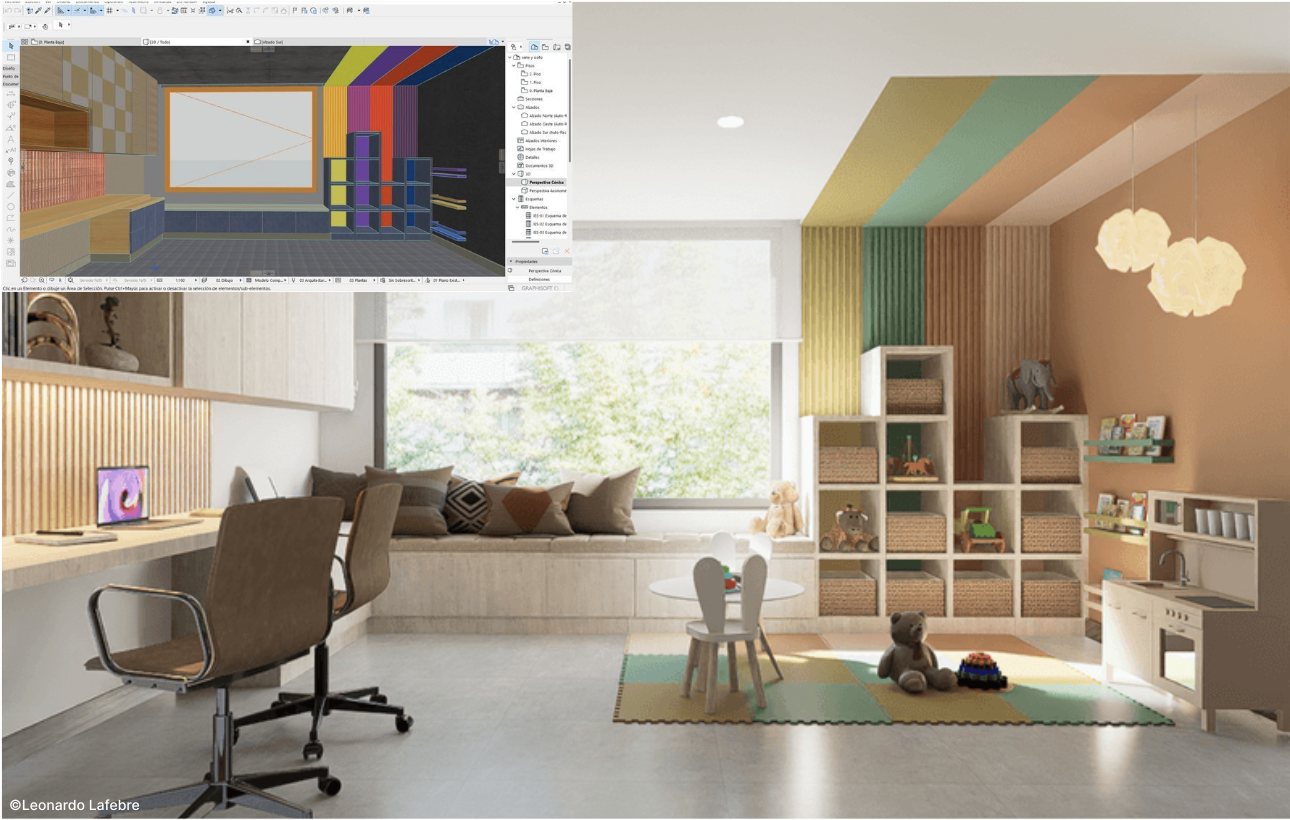
Live Link for Instant Feedback
D5 LiveSync for Archicad offers seamless real-time sync between Archicad & D5 Render. Instantly update geometry, materials, & cameras – no manual export/import needed! Enjoy full visual fidelity & a fluid workflow from concept to photorealistic render.
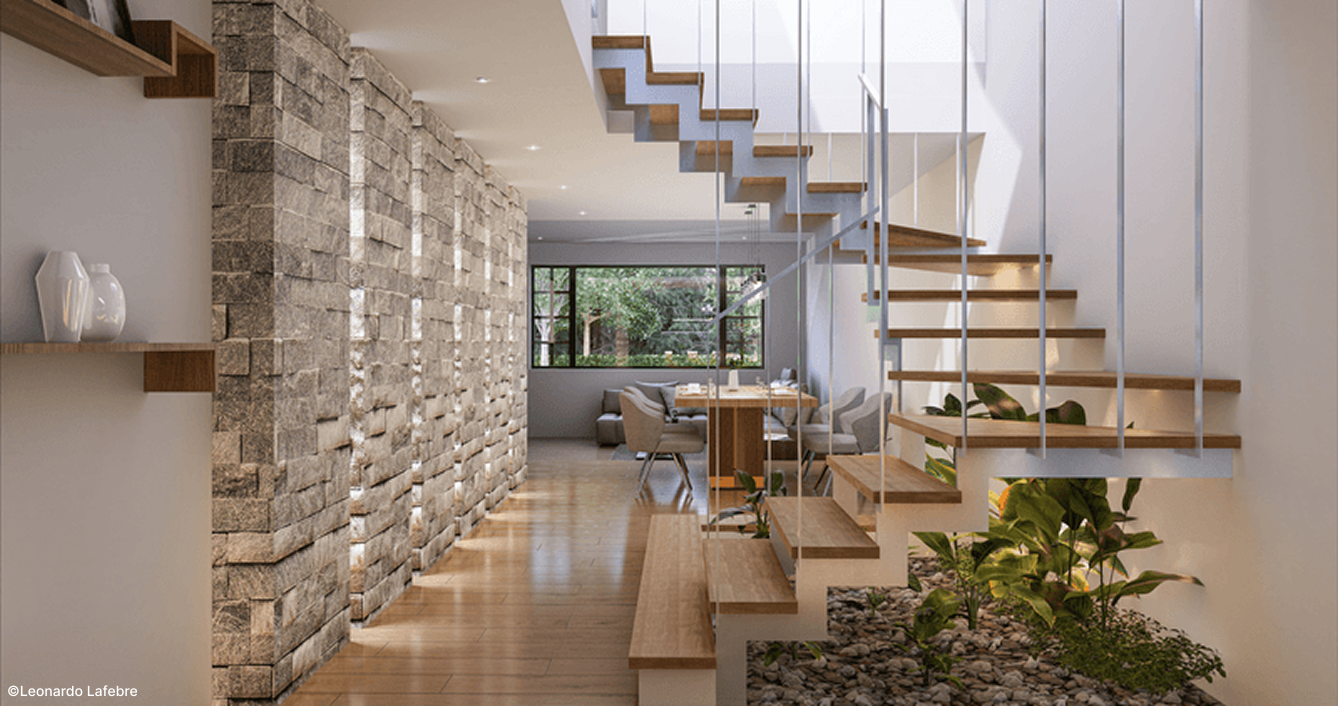
Full BIM Metadata Support
D5 Render preserves Archicad's BIM data (hierarchy, categories & properties) during sync, enabling organized asset management and controlled rendering effects for architectural visualization.
Access to a Massive Asset Library
D5 Render provides instant access to a massive 16,000+ asset library (trees, furniture, etc.). Effortlessly drag-and-drop to enrich your scenes within D5. Streamline asset integration for faster, intuitive visualization.

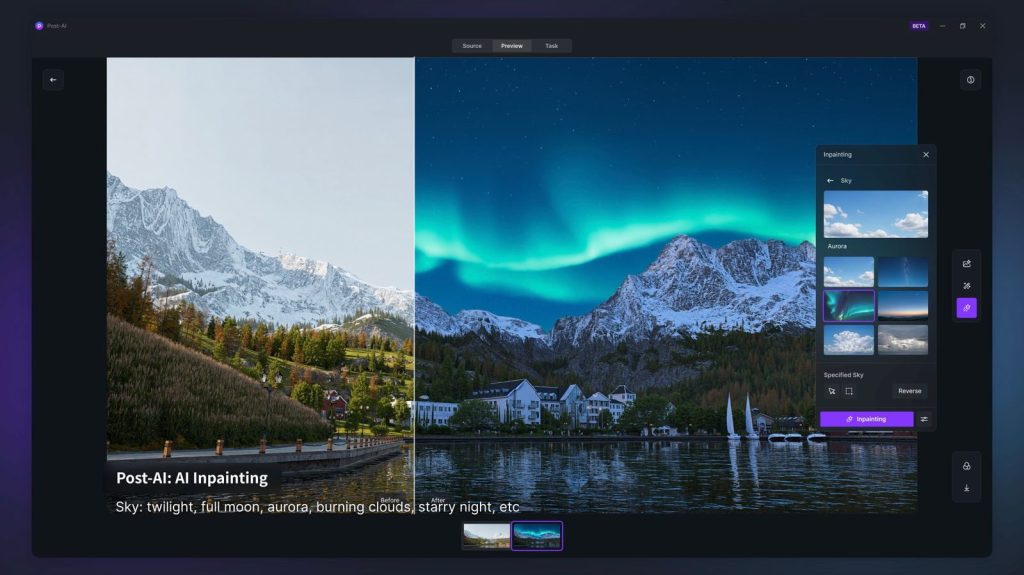
AI-Powered Tools for Creativity and Productivity
D5 Render integrates AI tools like Style Transfer & Inpainting. This streamlines workflows, maintains visual consistency, and lets you focus on design while D5 intelligently enhances scenes for smarter, efficient rendering.
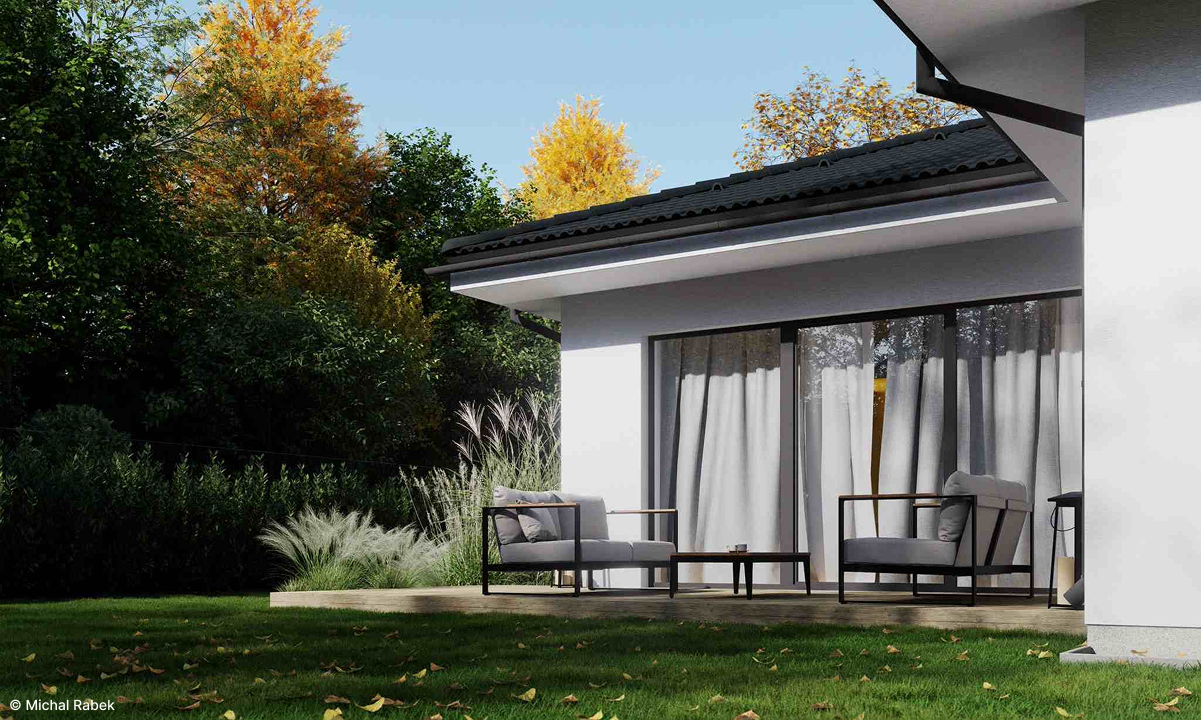
Fast & High-Quality Rendering
D5 Render leverages GPU rendering for fast, high-quality visuals on complex models. Supports real-time client presentations, faster design iterations & decisions with full fidelity.
FAQ
Why Is Archicad Model Orientation Different in D5's Top View After Syncing Via D5 Sync for Archicad?
Reason: D5 uses Left-handed coordinate system while some other software use a right-handed coordinate system, so there will be discrepancies between them.
Solution: It is suggested to use the D5 Sync plugin to sync the top view perspective in modeling software. This can make the top view effect be consistent with that in the modeling software.
💟 Please let us know if you would like to receive remote support. Conntact support@d5techs.com between Monday to Friday, 10:00 to 18:00 (GMT +8), we are available for remote support.
🔔 Still Need Help? D5 Forum, Help Center, D5 Facebook Group
Why Are Textures Clearer Up Close Than Far Away in D5 Via D5 Sync for Archicad?
Reason: Select the ‘NVIDIA Control Panel-3D Settings-Use the advanced 3D image settings’, which may make modeling software/D5 show blurred textures in the farther areas.
Solution: The correct setting is select the ‘Let the 3D application decide’ instead of ‘NVIDIA Control Panel-3D Settings-Use the advanced 3D image settings’.
💟 Please let us know if you would like to receive remote support. Conntact support@d5techs.com between Monday to Friday, 10:00 to 18:00 (GMT +8), we are available for remote support.
🔔 Still Need Help? D5 Forum, Help Center, D5 Facebook Group
Why Is 'Reload' Grayed Out in D5 Sync for Archicad?
1. You can only use the ‘reload’ feature when you import the models directly.
2. If the models synced to D5 through the D5 Sync plugin need to be reload, you can use the sync feature of the plugin.
3. If you use the D5 Sync plugin to export .d5a files and import them to D5 (import directly) without changing their file path, you can use the reload feature. If you have changed the path the updated models, you need to use the ‘Replace from the local folder’ and manually select the model files path during update.
💟 Please let us know if you would like to receive remote support. Conntact support@d5techs.com between Monday to Friday, 10:00 to 18:00 (GMT +8), we are available for remote support.
🔔 Still Need Help? D5 Forum, Help Center, D5 Facebook Group
Why Does D5 Sync for Archicad Sync Fail When Switching Perspectives in Archicad?
Currently, real-time synchronization is only supported in 3D perspective, and the linkage will be disconnected when switching to other perspectives. You need to go back to the 3D perspective and re-linkage.
💟 Please let us know if you would like to receive remote support. Conntact support@d5techs.com between Monday to Friday, 10:00 to 18:00 (GMT +8), we are available for remote support.
🔔 Still Need Help? D5 Forum, Help Center, D5 Facebook Group
Why Doesn't the Archicad Model Update in D5 After Syncing Via D5 Sync for Archicad?
You can check if you have the latest version of D5 Sync for Archicad, along with D5 2.10.
💟 Please let us know if you would like to receive remote support. Conntact support@d5techs.com between Monday to Friday, 10:00 to 18:00 (GMT +8), we are available for remote support.
🔔 Still Need Help? D5 Forum, Help Center, D5 Facebook Group
 English
 Español
 Français
 한국어
한국어 日本語
日本語